In most companies the DMARC record is written once, stays at p=none and is forgotten. Nobody did anything wrong; people are simply afraid of the switch. Fairly so: the company that moves to p=reject at the wrong moment finds out the next morning that the invoices from accounting never reached customers.
This guide walks through moving to DMARC p=reject without losing legitimate mail. For writing the first record, see DMARC setup; here we assume a record is already published.
Short answer: The safe route is to find every legitimate sender from your reports, then move to p=quarantine and raise pct in steps, and only then to p=reject. Think about subdomains separately with the sp tag. Keep reading reports after the switch, and re-check authentication every time you add a new service.
p=none, quarantine and reject compared
The three policies tell receivers what to do with mail that fails DMARC.
| Policy | What you ask the receiver to do | When |
|---|---|---|
p=none |
Do nothing, just send reports | First monitoring phase |
p=quarantine |
Treat as suspicious, usually spam folder | Transition |
p=reject |
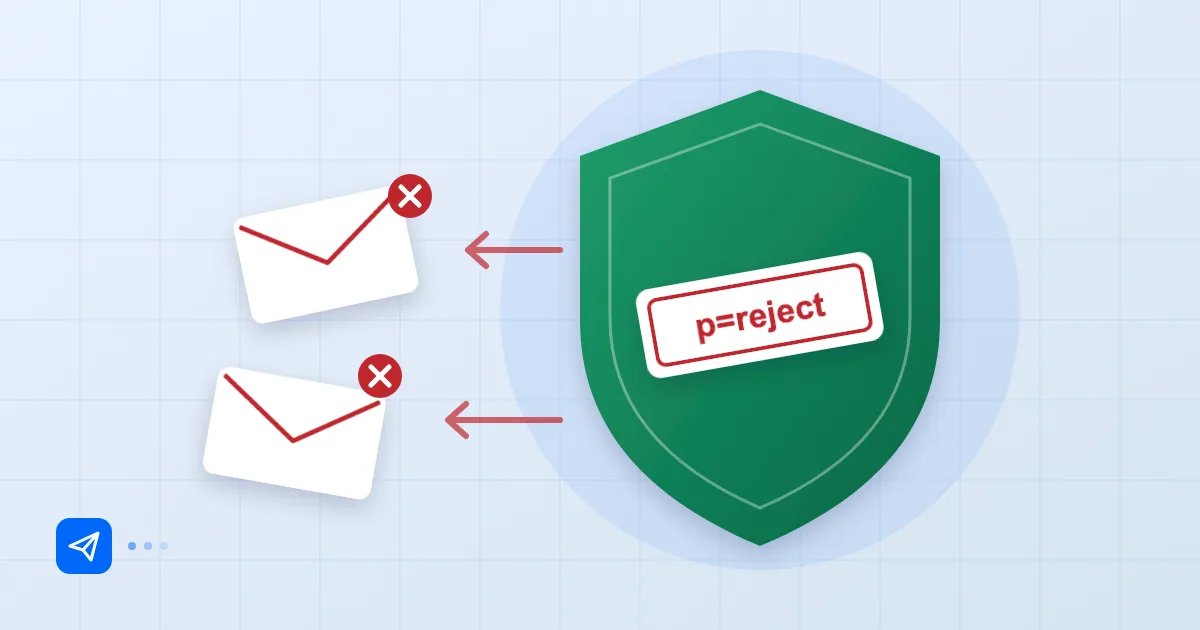
Reject the message | Target state |
p=none does not stop spoofed mail. Someone can still send "invoice attached" in your name. So p=none means you are not protected yet; you can just see what is happening. Google and Yahoo's bulk-sender rules ask for at least p=none; see bulk sender requirements for the detail.
Finding legitimate senders before enforcement
This is the longest, dullest and most important part of the project. The goal is a complete list of every system that sends mail as your domain. We keep finding the same suspects:
- The main mail platform (everyone knows this one).
- The newsletter and marketing tool.
- CRM, helpdesk, billing and accounting software.
- The website contact form. It often sends from the web server with no signature at all, using
form@example.comas the sender. - The office scanner or printer with its "scan to email" feature. Nobody remembers it.
- An old service whose account is still open but is no longer used.
You can only build this list from reports. DMARC aggregate reports (rua) show which IPs sent mail using your domain, how many messages and what the SPF and DKIM results were. Reading the raw XML is covered in how to read DMARC reports. We suggest collecting at least two to four weeks of data; mail that goes out rarely, such as a month-end statement, may not show up quickly. That duration is our field habit, not a standard.
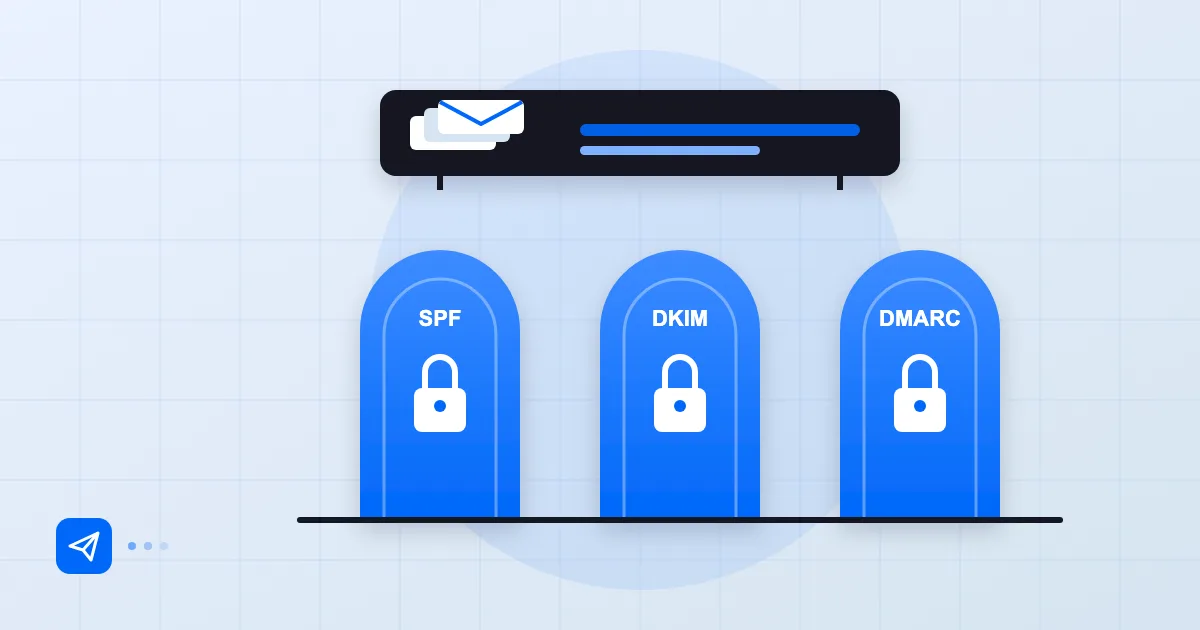
For each legitimate source, do one of two things: add its IP or service to SPF, or (better) have it sign DKIM with your own domain. Most third-party services ask you to add a CNAME or TXT record for that. DMARC passes if either SPF or DKIM passes in alignment, but setting up both is sturdier, because forwarding breaks SPF.
Ramping up with pct
The pct tag says what percentage of mail the policy applies to. For example, p=quarantine; pct=10 asks receivers to quarantine about 10% of the mail that fails DMARC and apply a lower policy to the rest. Per RFC 7489, if you use p=reject with pct, the portion not subject to reject is handled as quarantine.
This is the schedule we suggest:
_dmarc.example.com. IN TXT "v=DMARC1; p=quarantine; pct=10; rua=mailto:dmarc-reports@example.com"
- Collect reports at
p=none, list sources and fix them. - Start at
p=quarantine; pct=10. Wait a week and look for problems in reports and support tickets. - Move to
pct=25, then50, then100, checking reports between steps. - Start
p=reject; pct=10, ramp again and finish atpct=100(or drop thepcttag).
How long to wait between steps depends on your mail volume and on rarely sent messages. A monthly invoice run may mean waiting a full month.
Subdomains and the sp tag
By default the policy applies to subdomains as well; without an sp tag, the p value is used. With sp you can set a separate policy for subdomains.
Two common cases. If you send no mail from subdomains and the main domain is in good shape, sp=reject is a good idea; attackers like invented subdomains such as billing.example.com. Conversely, if a marketing tool sends from news.example.com, give that subdomain its own DMARC record and tighten it on its own schedule.
Typical breakages during rollout
The problem we meet most is forwarding and mailing lists. Forwarded mail breaks SPF, and mailing lists that touch the subject line or body break DKIM. A legitimate message can vanish under p=reject for exactly that reason. How ARC softens this is covered in ARC and email forwarding.
The other classics: scanner and printer mail without a signature, a campaign tool that signs DKIM with its own domain (it will not align) and a new service connected without preparing for DMARC. Add one question to your onboarding checklist for every new service: does it sign DKIM with our domain?
Monitoring after reject
After moving to p=reject, do not remove the rua address. When you add a service, change DNS or a provider refreshes its IPs, the reports give you the first signal. We suggest reviewing them weekly.
A final record might look like this:
_dmarc.example.com. IN TXT "v=DMARC1; p=reject; sp=reject; rua=mailto:dmarc-reports@example.com"
Verify it with dig TXT _dmarc.example.com +short. It is not the main reason to enforce, but enforcement also opens the door to extras: BIMI, which shows your brand logo in the inbox, requires an enforced DMARC policy.
If you use Postanex, outgoing mail is DKIM-signed and the panel guides you through the SPF, DKIM and DMARC records. Records for third-party tools you still add yourself.
Reference: RFC 7489 (DMARC).
Frequently asked questions
How long should the move to p=reject take?
There is no fixed duration. Move gradually once the reports look clean and rarely sent mail has shown up in them. For a small company that can be a few weeks; for one with many services, a few months.
Is pct=100 the same as leaving pct out?
Yes. If pct is not specified, the default is 100. Writing it explicitly during rollout still helps readability.
Does p=reject stop all spoofing?
If the receiver honours DMARC, it rejects forged mail that uses your exact domain. It does not stop lookalike domains (for example examp1e.com); that is a different kind of attack.
What if a service's mail gets rejected during the rollout?
Lower the pct value or step the policy back one level, find the service's IP and authentication results in the reports, fix SPF or DKIM and try again. DNS changes may need to wait out cache lifetimes.
- DMARC
- p=reject
- pct
- quarantine
- email security