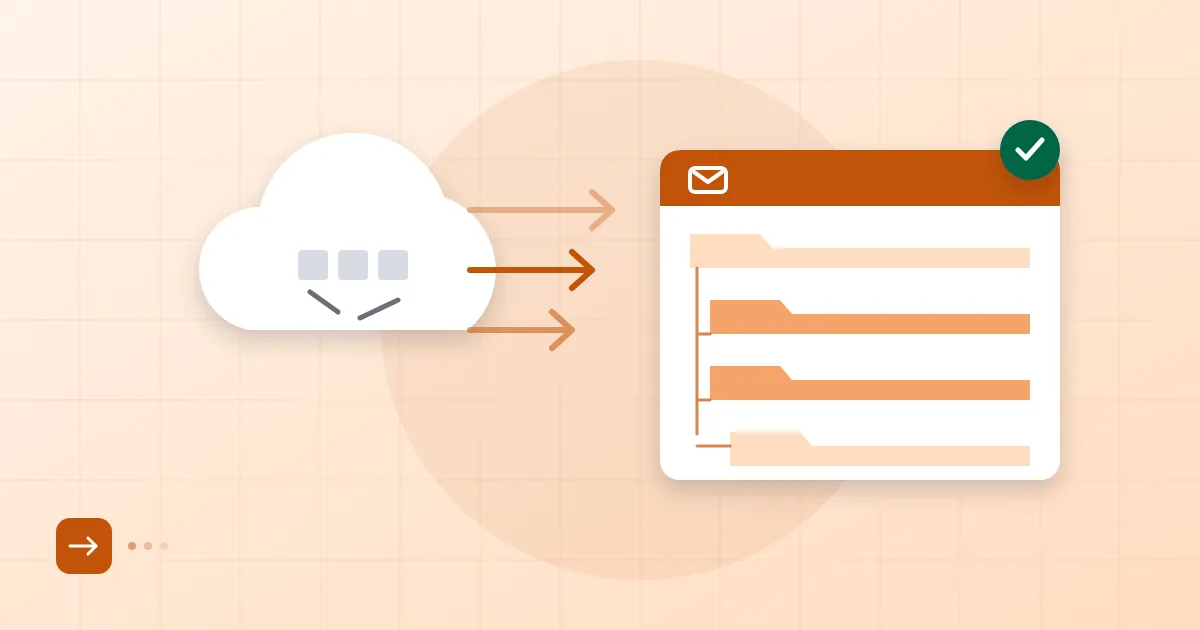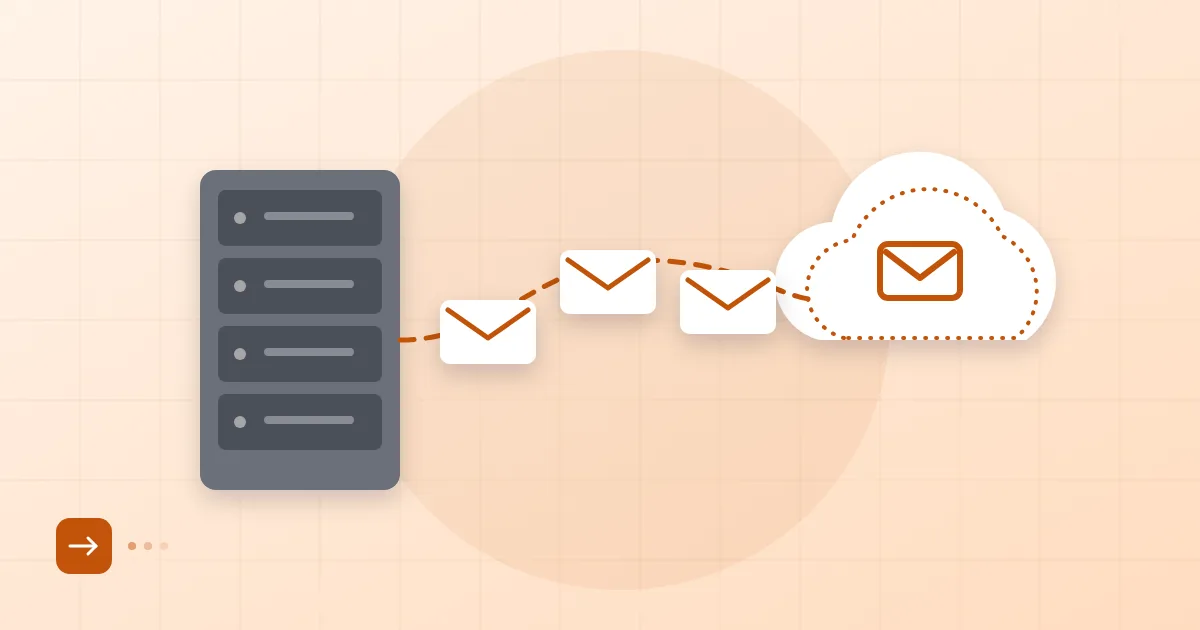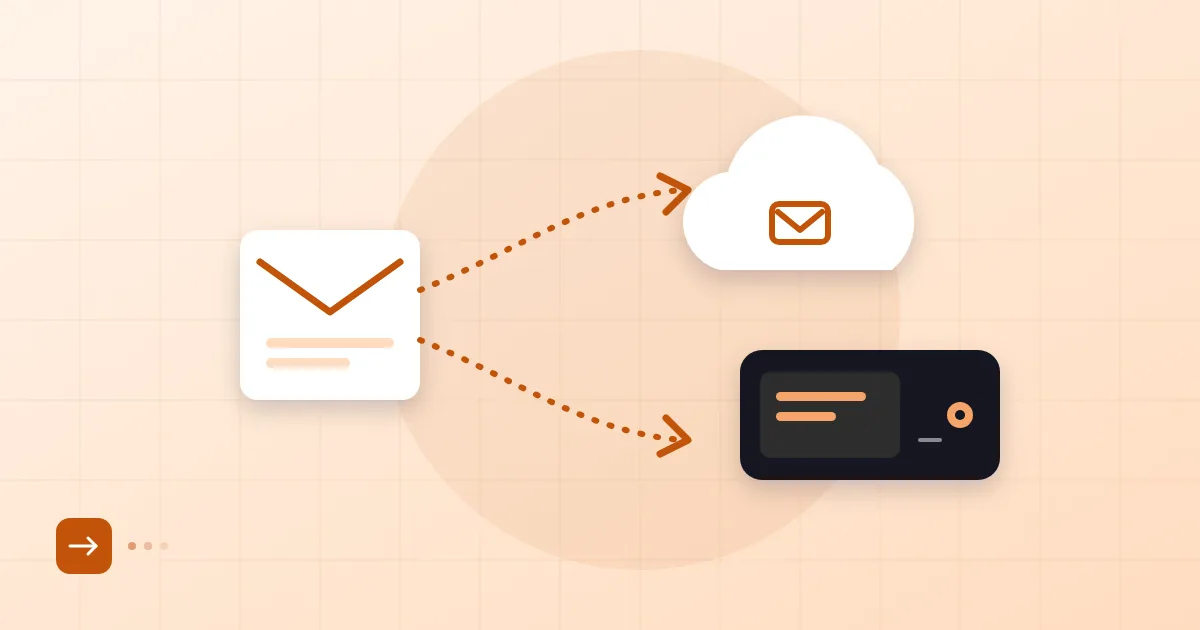
Sooner or later someone deletes the wrong folder. Maybe it is a finance manager emptying "Deleted Items", maybe a departing employee's account gets closed a week too early. The first question is always the same: "Doesn't the provider keep backups?" Often they do. But whether you can reach that backup, how far back it goes, and whether it can restore one mailbox instead of the whole platform are different questions entirely.
Email backup is about knowing those answers before the bad day. Below we cover how to copy business mailboxes, which format to pick, and the step almost everyone skips: testing a restore.
Short answer: A provider's nightly backup protects against infrastructure failure; it is not designed to bring back one deleted message or one mailbox on demand. Export mailboxes over IMAP to mbox or PST files, store the copy somewhere separate, and actually restore a sample at least once a year.
Why backup is its own topic
Backup deserves separate attention because mail can disappear in three different ways, and each needs its own safeguard. Hardware and data-centre failures are the first. Human error is the second: someone deletes a folder, runs a bad rule, or an account is closed too soon. The third is an attacker who takes over a mailbox and wipes it.
Provider backups are built mainly for the first case. For the second and third, the snapshot may be too old, or restoring a single mailbox may need a support ticket and some waiting. What we see most often in the field is a company assuming "we have backups" and then finding out, during an incident, that the backup covers the whole system and per-mailbox recovery is a manual process.
Provider backups versus your own
The core difference is control. A provider's backup follows the provider's rules; your own copy follows yours.
| Provider backup | Your own copy | |
|---|---|---|
| Purpose | Disaster recovery for the platform | One message, one mailbox, one past date |
| Who holds it | The provider | You |
| Restoring | Request and process needed | Any time, with your own tools |
| If you leave the provider | Your access ends | Files stay with you |
At Postanex mail is backed up every day and the infrastructure is monitored around the clock. We still tell our own customers the same thing we are telling you: for critical mailboxes (management, finance, legal), keep a second copy under your control. Data that lives in one place can be lost from one place.
Export formats: mbox, PST, IMAP
There are three common routes, and the right one depends on how you will use the copy later.
mbox stores every message of a folder in one plain file, back to back. It is an open format that Thunderbird, Apple Mail and many converters can read. For long-term archives it is the safest choice because it does not tie you to a single vendor.
PST is Outlook's own container. If your team lives in Outlook it is the most convenient: double-click and browse. The trade-off is that it is a closed format, and very large files are prone to corruption. We do not recommend letting one PST grow past roughly 20 to 30 GB; split by year instead.
IMAP sync produces a live copy. A tool such as imapsync mirrors your mailbox to another IMAP server or a local structure. Our guide to moving mail with IMAP covers the mechanics; for backup the logic is identical, except the destination is a backup store rather than a new provider.
One trap deserves a warning. Seeing your mail "downloaded" in Outlook or on a phone does not mean it is backed up. An IMAP client mirrors the server: delete a message on the server and it vanishes from the client as well. That is a reflection, not a backup.
How often
Frequency follows from how much you can afford to lose. Ask yourself: if this mailbox rolled back to this morning, what work would disappear? If the answer is a day of correspondence, daily or weekly copies may be enough. A sales mailbox full of quotes and contracts might justify more.
A sensible pattern: weekly for critical mailboxes, monthly for the rest. At year end, write a complete copy to a separate location and never touch it again. Keep backups in two places, one on-site and one off-site or in cloud storage. If the backup sits on a drive next to the server, a fire or ransomware takes both.
Legal retention duties are a separate matter from backup frequency; we discuss them in how long business email must be kept.
Restore rehearsal
An untested backup is a hope, not a backup. It is easy to say and hard to do, because nobody wants to spend an afternoon on this when nothing is on fire.
Keep the rehearsal small. Create a throwaway mailbox, restore one folder from your backup file, and check four things: are all the messages there, do attachments open, are non-English subject lines intact, is the folder tree preserved? Also time it. If restoring a single mailbox takes half a day, you want to learn that now, not during an outage.
The usual failures are mundane. The archive is encrypted and the password is lost. The backup job runs on one person's laptop and that person leaves. The tool reports errors to an address nobody reads. None of these is technical; they are process gaps. Write down who owns the backup and where the password is kept. For leavers specifically, our employee mailbox on- and off-boarding checklist covers when to export.
Exporting when you cancel
The last good moment to take a copy is before you cancel. Many providers delete data shortly after termination, so read the contract instead of guessing.
With Postanex you can cancel at any time and you get 30 days after cancellation to export your mail. Even so, we would take the copy before sending the cancellation; the window is a safety net, not a plan. The same order applies when you leave any service: full copy first, verification second, cancellation last. If you are leaving Exchange Online, for instance, check every mailbox copy before you shut down the old tenant, as described in our Microsoft 365 migration guide.
If you get stuck while exporting, our support team can help. You can read more about the service on the Postanex page.
Frequently asked questions
If my provider already backs up, do I still need my own copy?
For critical mailboxes, yes. Provider backups are built for infrastructure failure, and restoring one deleted message or a past date often goes through a support process. Your own copy lets you act without waiting.
Should I choose mbox or PST?
If the team uses Outlook and will open files often, PST is practical. For long-term archives mbox is safer because it is open and widely readable. Keeping both is reasonable.
How do I know my backup works?
Only by restoring it. Load a folder into a separate test mailbox and check message counts, attachments and character encoding. Repeat at least once a year.
How do I preserve a departing employee's mailbox?
Export it to mbox or PST before deleting the account, store it with your backups and restrict access to authorised people. How long you keep it depends on your internal policy and legal obligations.
- email backup
- mbox
- PST
- IMAP
- restore