You bought web hosting for your site, and the plan came with "free email accounts." For a while that was fine. Then a client's reply landed in your spam folder, a mailbox hit its quota and started bouncing messages, and one week the hosting provider had an outage and both the website and the mail went with it. Sound familiar?
Leaving hosting email is a job many owners inflate in their heads. The usual objection we hear is "what happens to the website?" The short version is that web and email use separate DNS records, and changing one does not disturb the other. This article walks through moving from a cPanel-style hosting mailbox to a dedicated email service.
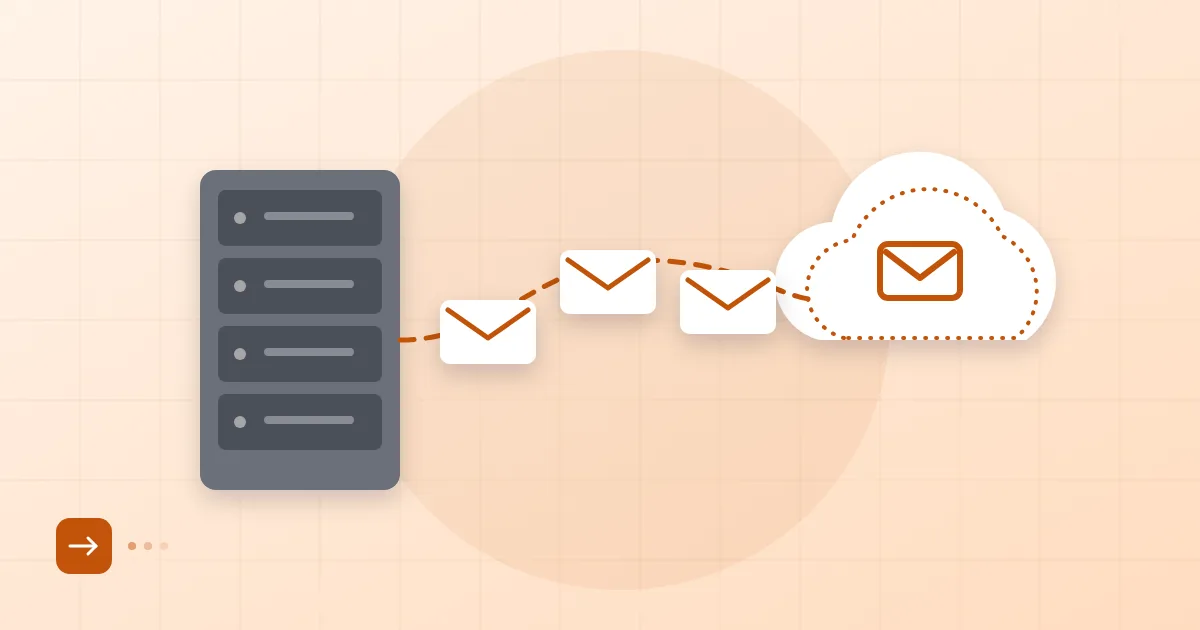
Short answer: To migrate hosting email, list your existing mailboxes, create the same addresses at the new provider, copy the old messages over IMAP, switch the MX record to the new service and keep the old mailbox alive for a while. Changing MX does not touch your website's A record, so the site keeps running where it is.
Why hosting-bundled email causes trouble
Hosting email is a side function of a server built to serve web pages, and email is not its specialty. The limits are predictable.
On shared hosting, hundreds of sites can send from the same IP address. If a neighbour sends spam, the IP's reputation drops and your mail suffers with it. Add hourly send caps, small mailbox quotas, disk space shared with the website itself, and DKIM or DMARC support that is either missing or has to be configured by hand. And when the site goes into maintenance or the host has an outage, your mail shares its fate.
If you want to see how those limits translate into junk-folder placement, our guide on why emails go to spam covers the identity and reputation axes, and most hosting-related problems fall on one of them. But you do not need that article to justify a move. Lost messages, a full quota or a mailbox you cannot reach are reason enough.
Telling website records from email records
Your domain's DNS zone holds two separate groups of records, and in a mail migration you touch only one.
| Record | What it does | During the move |
|---|---|---|
A (example.com) |
Your website's IP address | Leave alone |
CNAME (www) |
Points www to the main name | Leave alone |
MX |
Says which server receives mail | Will change |
TXT (SPF) |
Says which servers may send | Will be updated |
TXT (_domainkey, _dmarc) |
DKIM and DMARC | Added for the new service |
A subtle one: a record like mail.example.com usually points to webmail or the old mail server. Keep it for a while after the move and delete it last.
The costliest mistake we see is changing the domain's nameservers. Nameservers decide where DNS is held; point them somewhere wrong and the site and the mail both vanish at once. Moving email does not require a nameserver change. The domain stays at whichever registrar and nameservers it already uses, and you only add an MX record and a few TXT records. We take the same approach at Postanex: wherever your domain is registered, GoDaddy, Cloudflare or a local registrar, it stays there.
Taking inventory of existing mailboxes
Before anything moves, write down what you have. In cPanel, open the Email section and click "Email Accounts"; you will see each mailbox, its domain and its quota. Note down:
- Mailboxes and who uses each
- Forwarders and autoresponders
- Forwarders that act like aliases: does
info@go to one person or three? - Rough size of each mailbox, since that decides how long copying takes
- Old mailboxes that can simply be dropped
- Which address the website itself sends from (contact form, order notifications)
The last item is the one people forget. If your contact form sends as form@example.com and that address is skipped in the migration, form notifications disappear without anyone noticing. How to structure forwarders is covered in email aliases and group addresses; deciding alias versus group versus real mailbox during the inventory saves trouble later.
Take a backup before you begin as well. cPanel's Backup section or an export from your mail client will do; see how to back up company email for the options.
Methods for moving the mail
There are three routes, and the right one depends on volume and technical comfort.
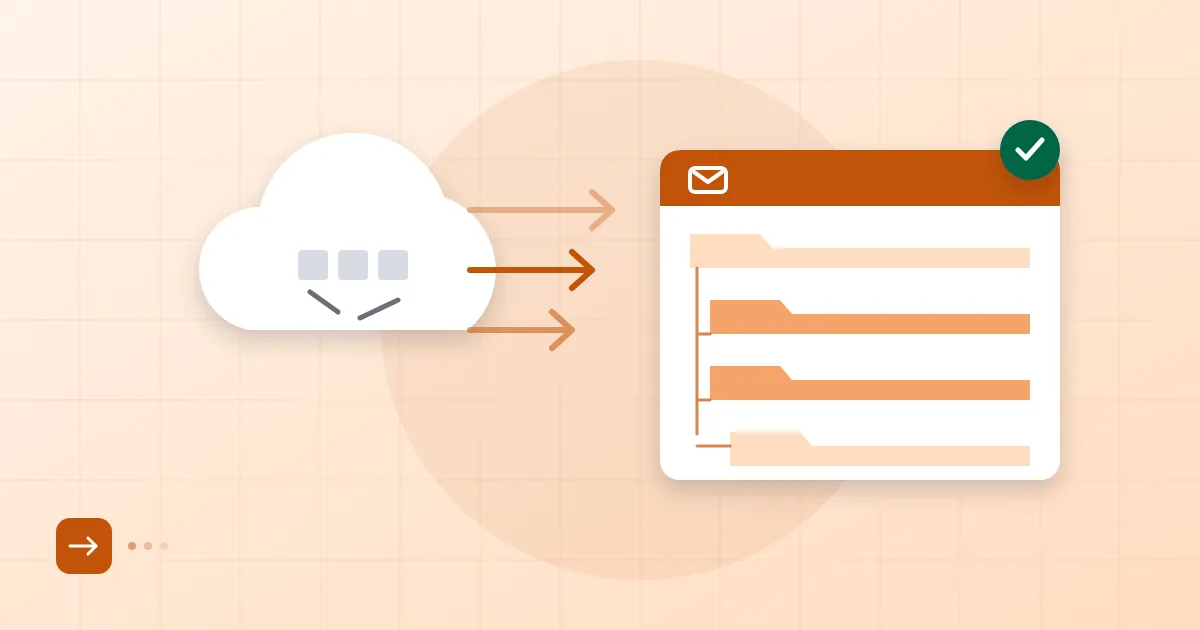
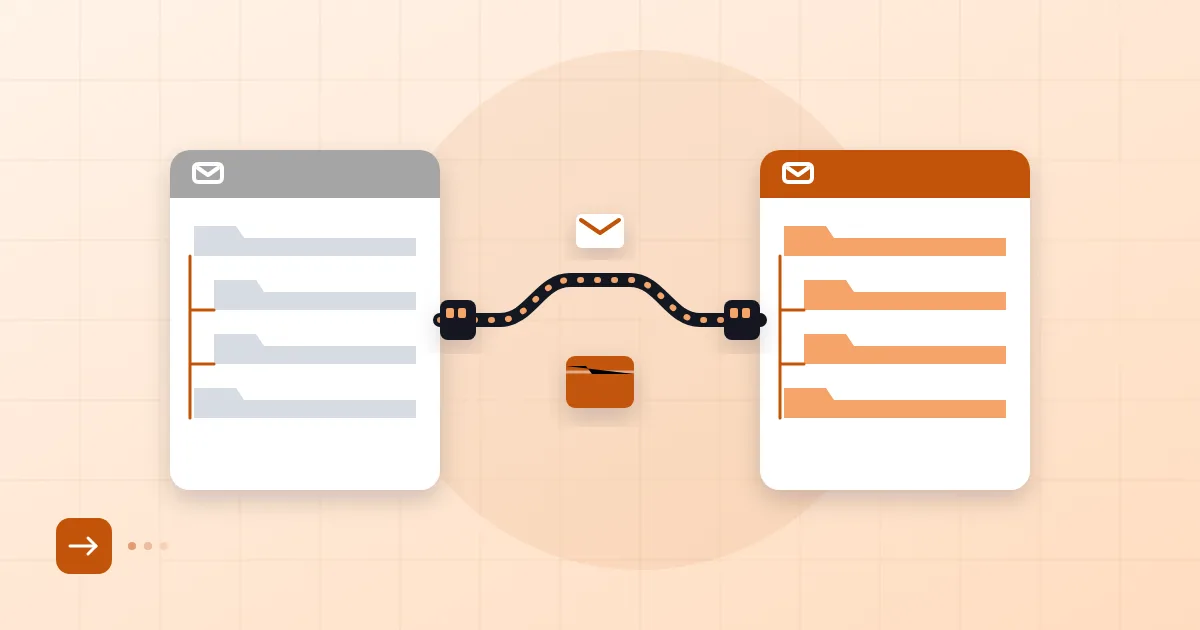
Server-to-server IMAP copy. The contents of each old mailbox are copied to the new one using its username and password; imapsync is the best-known tool. Folder structure, read status and dates survive. We describe it in migrating mailboxes over IMAP.
Drag and drop in a client. Open both the old and new account in Outlook or Apple Mail and copy folders between them. Fine for small mailboxes, slow and error-prone for big ones.
The provider's own migration help. At Postanex, folders, messages and contacts can be moved from your existing hosting provider, and mail keeps flowing during the move. If you get stuck during setup, the support team helps. To begin, you can create an account.
IMAP is the standard that keeps mailbox contents on the server and allows access from many devices; the current specification is RFC 9051. If all you have is an mbox or PST export, importing it into the new account works too, but dates and folders are less faithfully preserved. We prefer IMAP when it is available.
The MX cutover and keeping the old mailbox open
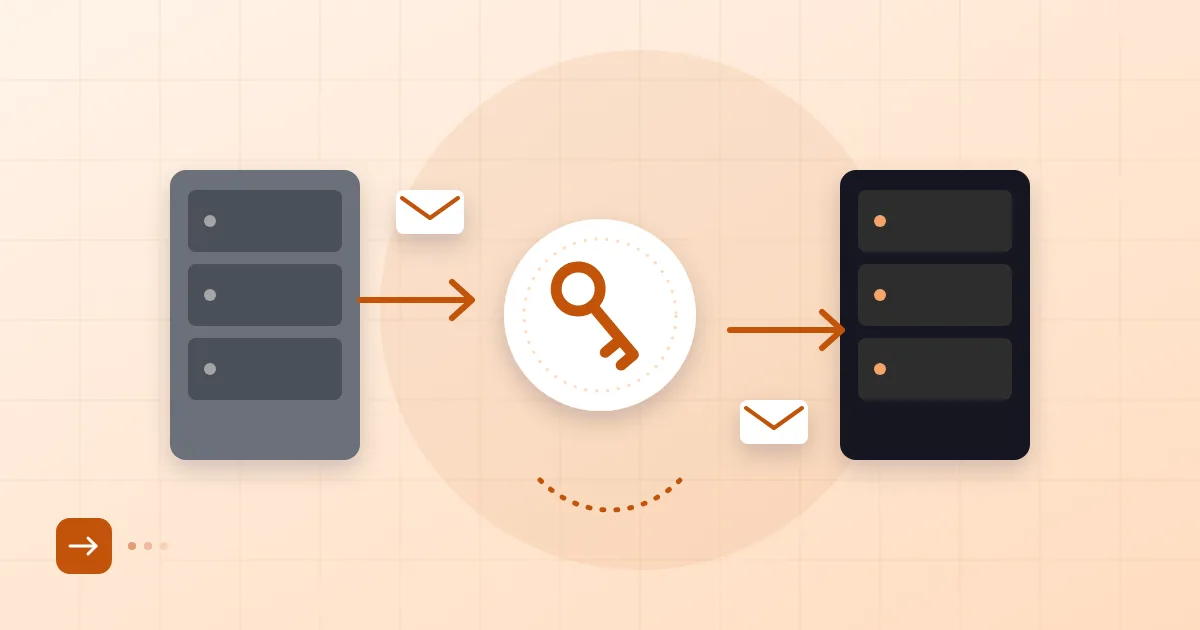
The moment you change the MX record, new mail starts arriving at the new server, so timing matters. One or two days beforehand, lower the MX record's TTL (300 seconds is a reasonable value). That makes the change spread quickly, and a rollback quick too. The planning around TTL and MX is spelled out in zero-downtime email migration.
On cutover day we follow this order:
- The new service has all mailboxes and aliases ready, and the first IMAP copy is complete.
- Replace the MX record with the new service's values. Delete the old MX entries; leaving both can split mail between two servers.
- Update the SPF record and add DKIM and DMARC records.
- The next day, run a second "delta" copy that pulls in anything that landed on the old server during the switch.
There is one cPanel-specific trap. If "Email Routing" is still set to "Local Mail Exchanger," the hosting server will not send mail for your own domain out to the internet; it delivers it to the local mailbox instead. So when your website notifies info@example.com, the message stays in the old mailbox rather than going to the new service. After changing MX, set the routing to "Remote Mail Exchanger."
Do not delete the old mailbox for at least a few weeks. Some senders' DNS caches will keep pointing at the old MX for a while, and their mail will land there. Keeping the account open and checking it daily, or forwarding its mail to the new one, is cheap insurance.
For the DNS side in depth, what an MX record is explains priority values and common mistakes. If you are leaving a free personal account rather than a hosting plan, see moving from Gmail to business email.
Cleanup after the move
When everything has settled, tidy up:
- Remove the old host's
include:from your SPF record. Leaving it eats into the lookup limit and authorises a sender you no longer use. - Delete duplicate or old DKIM selector records.
- Remove
mail.andwebmail.records once they point nowhere useful. - Delete the old cPanel mailboxes after a month, once you have a backup. Deleting a mailbox deletes everything inside it.
- Have users remove the old account from their devices and enter the new settings.
A week later, send a test message to every address, including one to an outside Gmail account, and check the headers.
Frequently asked questions
Will changing my MX record affect my website?
No. The website runs on A and CNAME records; MX only says where email goes. Just leave your nameservers alone.
Can I lose mail during the move?
Not with a sensible plan. Create the new mailboxes first and copy the old mail across, then catch anything in transit with a second delta copy on cutover day. Keeping the old mailbox open for a few weeks adds a further margin.
Should I move before my hosting plan expires?
Yes. Finish the move before the contract ends; when the account closes, the mail inside it is deleted. Back up first, then cancel.
My domain is registered at my hosting company. Do I have to transfer it?
No. The registration can stay where it is. Only the MX record and a few TXT records change to point at the new service.
- hosting email
- cPanel
- MX record
- email migration
- IMAP