Most email migrations begin with a sentence like: "We'll change the MX record on Saturday, it'll be fine." Technically true. In practice it ends on Monday morning when a customer rings to say, "I wrote to you on Friday and never got an answer." Lost mail comes mostly from timing mistakes, so this article lays out what to do and when, in order, up to cutover day.
Short answer: To switch email providers without losing mail, lower the MX record's TTL (for example to 300 seconds) at least one old-TTL period before the move, build and test the new mailboxes first, change the MX, run a final sync between old and new, and keep the old server running for about a week. Mail rarely disappears because of retries; it disappears when it is delivered to a destination that is not ready.
How mail gets lost in a move
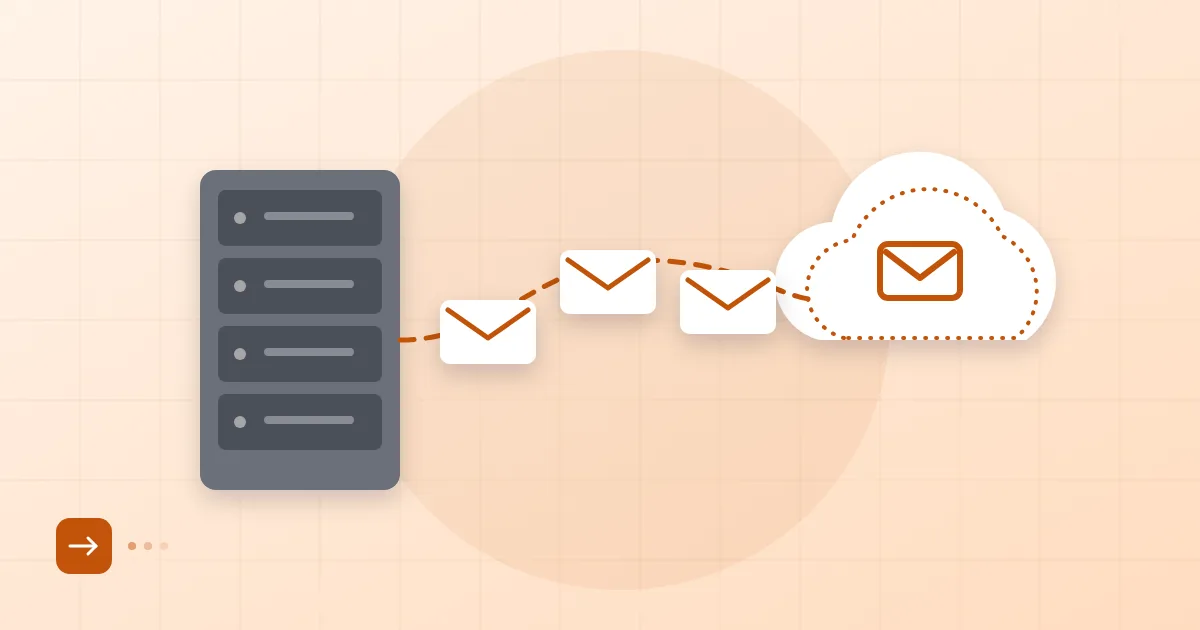
Mail goes missing in three places: when it lands on a new server where a mailbox does not exist yet, when the old server is shut down too early, and when cached DNS keeps some senders writing to the old address. If a sending server cannot deliver, it normally retries for days, which RFC 5321 anticipates. So a short interruption does not lose mail. What loses it is a server with no such mailbox answering "no such user" with a permanent 5xx rejection.
That is why the real rule is this: before you point MX at the new server, every mailbox, alias and group must already exist there. The mistake we see most often is forgetting the shared addresses such as info@ and support@. The people move, the shared addresses quietly bounce.
Lowering TTL in advance
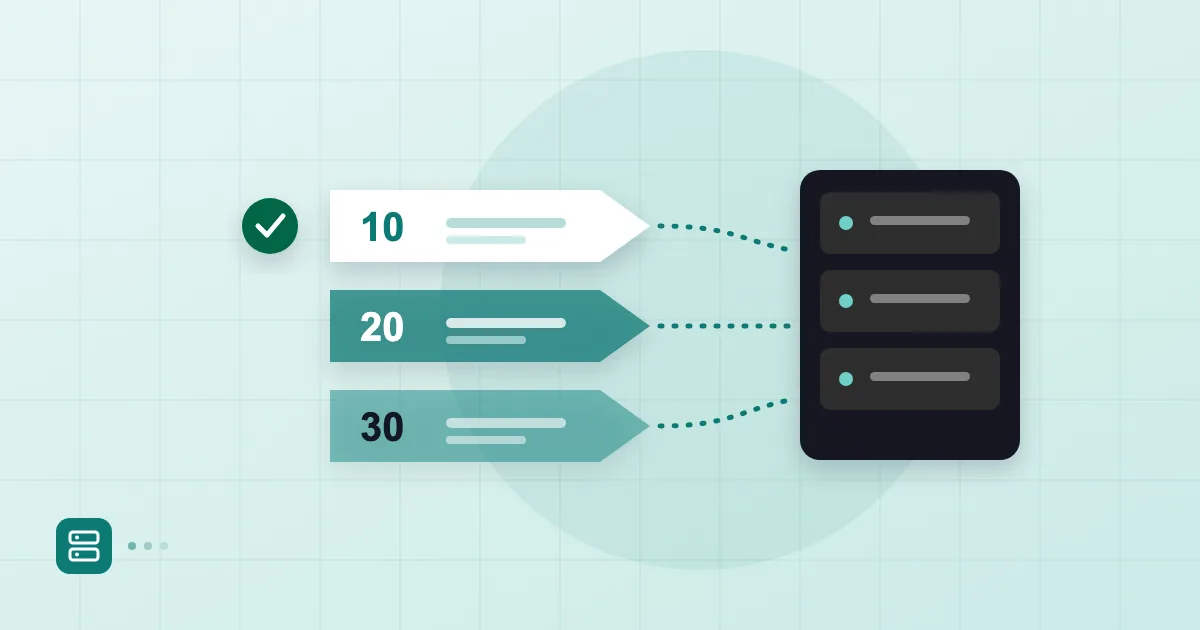
TTL tells resolvers how long they may cache an answer. If your MX record has a TTL of 86400 seconds, one day, some resolvers may keep using the old address for a full day after you change it. The fix is to lower the TTL before the change, but the lowering itself takes as long as the old TTL to spread. Dropping a 24-hour TTL to 300 on the morning of cutover achieves nothing.
The calendar should look like this:
| When | Task |
|---|---|
| 3 to 7 days before | Check the current MX TTL, lower it to 300-600 seconds |
| 2 days before | Finish mailboxes, aliases and groups on the new side; run the first bulk copy |
| Day before | Add the new provider to your SPF record; send test messages |
| Cutover day | MX change, final sync |
| Following 7 days | Old server stays up, monitor |
For how TTL and propagation behave in detail, see how long a DNS change takes. For the structure of the record and priority values, what an MX record is covers it.
One caveat: some resolvers ignore your TTL and apply their own minimum. Even with 300 seconds set, a few senders may write to the old address for an hour. Build that into your plan.
Cutover day sequence
On the day, order matters. This is the sequence we follow:
- Re-check every mailbox, alias and group on the new server.
- Send a test message directly to the new server before MX changes, using telnet or swaks against its address.
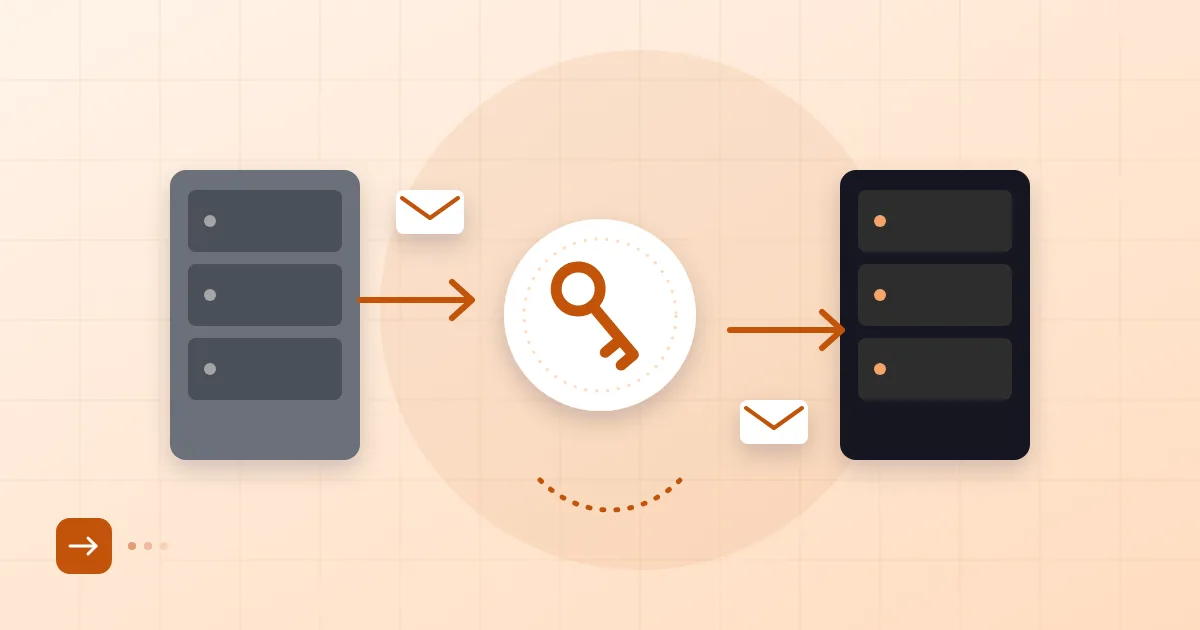
- Change the MX record to the new server. Do not leave two MX records with different priorities: some mail will split between the two.
- After a few minutes, query several resolvers, for example
dig MX example.com.tr +short @8.8.8.8. - Send a test message from outside, from another domain or from Gmail, and see where it lands.
If your old system supports dual delivery, a rule that forwards a copy of incoming mail to the new server protects messages during the propagation window. Not every legacy system has this; without it, the final sync does the job.
Final sync
After the cutover, a second copy pass brings across whatever arrived at the old server last. The first bulk copy takes time and new mail keeps arriving meanwhile; the final sync closes the gap. Tools such as imapsync only transfer messages that are missing, so rerunning is safe. Our guide to moving mail with IMAP covers the tooling.
Run the final sync shortly after the MX change, again 24 hours later and once more at the end of the week. Each pass picks up less new mail; when it approaches zero, you can retire the old server.
If you are coming from a specific source, our notes on moving from Gmail to business email and migrating from hosting mail go into the details.
Keeping the old server open
Do not shut the old server on cutover day; keep it running for at least a week. Why? Some senders hold stale DNS, some queues retry late, and some devices inside your office, a printer, a scanner, an application, may still point at the old host. During that week, watch for new mail arriving on the old server and find out why it does.
Paying the previous provider a little longer is irritating, but one week of fees costs less than a lost quote. Before closing it, take your own copy of every mailbox as mbox or PST.
Verification
Before you call it finished, check three things. Inbound: send test messages from several providers and confirm they reach the right mailbox. Outbound: open the headers of a message sent from the new setup and see SPF, DKIM and DMARC pass. Clients: are phones, Outlook and shared calendars connected to the new account?
With Postanex your domain stays at whichever registrar holds it; only a few DNS records are added, and the panel keeps checking DNS live until every light is green. Mail flow is not interrupted during the move. You can read more at Postanex, and if you get stuck during setup the support team will help.
Frequently asked questions
Will mail be lost when I change MX?
Not if it is done properly. Sending servers retry when they cannot deliver. Real loss comes mainly from mail arriving for mailboxes that do not exist yet on the new server, since that triggers a permanent rejection.
How far ahead should I lower TTL?
At least as long as the current TTL. If it is 24 hours, lower it a full day before; for comfort, do it three to seven days ahead.
When can I shut down the old server?
At least a week after cutover, once no new mail reaches the old server and the final sync is complete. Take your own copy of the mailboxes first.
Should I cut over at night or at the weekend?
Pick a quiet period; for most offices a weekend works. Just make sure someone is available to run the verification.
- MX record
- TTL
- email migration
- cutover plan
- DNS