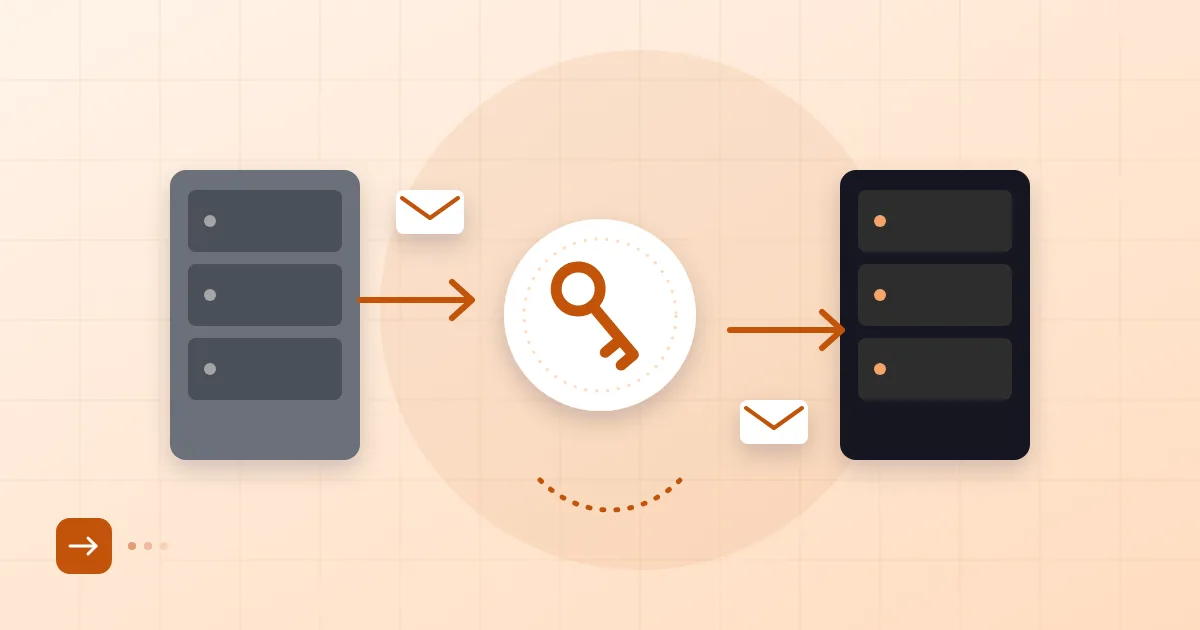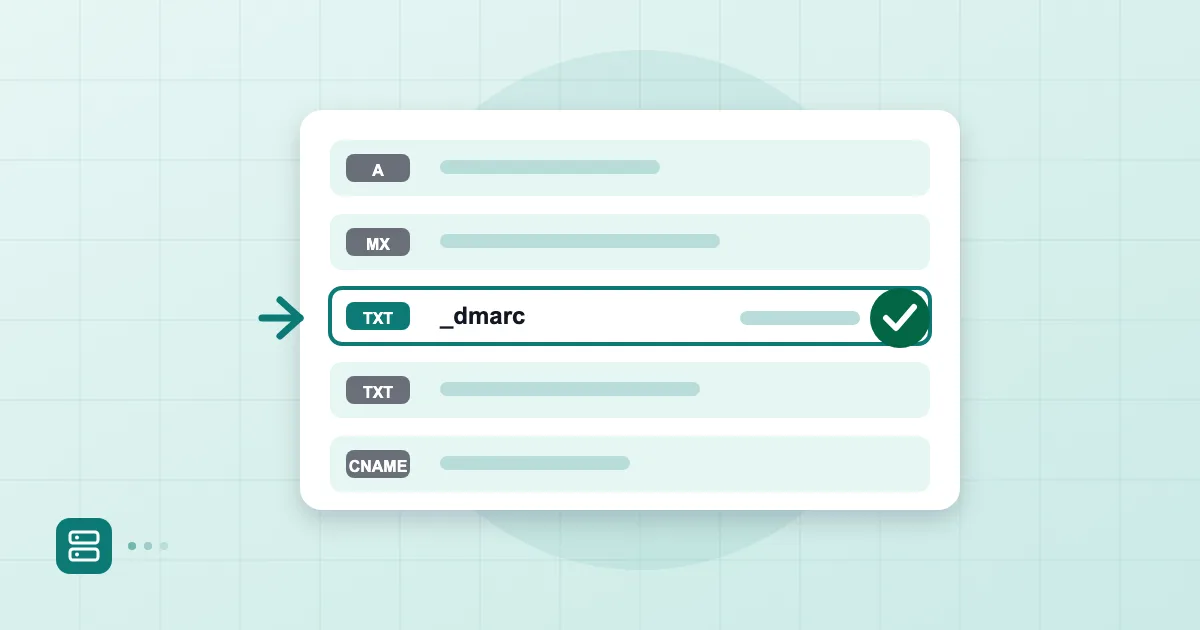
When someone sends a message to name@example.com, the sending server's first move is a DNS lookup: who accepts mail for this domain? The answer comes from the MX record. If it is wrong, mail either never arrives or goes to the wrong place, and often nobody notices at first. The sender eventually gets a bounce; the recipient simply sees nothing.
This article explains what an MX record does, how to read the priority value and what to watch out for when you change it, with real-looking examples.
Short answer: An MX (Mail Exchanger) record is a DNS record that says which mail servers accept incoming mail for a domain and in what order they are tried. The lower the priority number, the sooner the server is tried. An MX record is independent of the A record that points to your website; changing one does not affect the other.
What an MX record does
An MX record is the delivery address for your domain's mail. The SMTP standard, RFC 5321, defines the behavior: the sending server looks up the MX records of the destination domain and tries the listed hosts in order of preference.
A typical pair looks like this:
example.com.   3600   IN   MX   10   mx1.provider.example.
example.com.   3600   IN   MX   20   mx2.provider.example.
From left to right: the domain, the TTL in seconds, the class (IN), the record type, the priority and the target host name. The target is a host name, not an IP address. Remember that; it comes back below as a mistake.
Priority values and backup servers
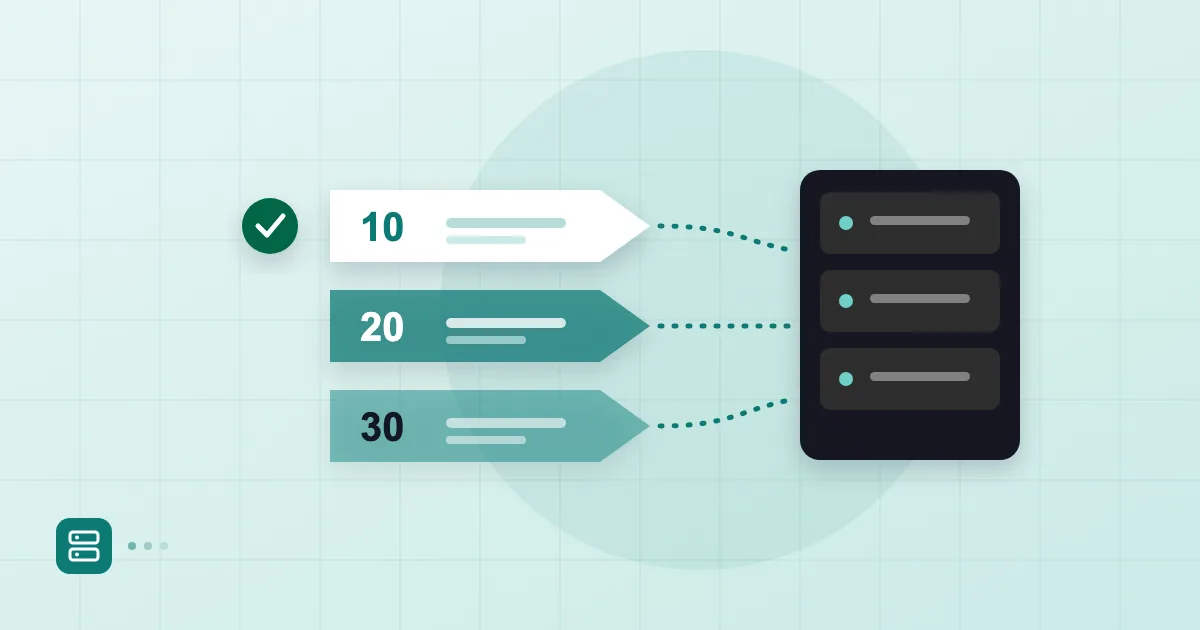
The number with the lowest value is tried first. So 10 outranks 20. The sending server connects to 10; if that fails, it moves on to 20.
If two records share the same value, senders spread load between them roughly evenly. That can serve as simple load distribution, though most small businesses do not need it.
| Record | Meaning |
|---|---|
| 10 mx1.provider.example. | Primary server |
| 20 mx2.provider.example. | Tried if the primary is unreachable |
| 10 and 10 | Equal priority, load shared |
A backup server sounds sensible, and we have a warning. Leaving your old hosting server or a free secondary service as a backup can mean mail quietly piles up in the wrong place a month later. Do not add a backup you are not actually monitoring. Entering the records your provider gives you, exactly as given, is the safest path.
Relationship to the website (A record)
The A record for example.com tells browsers which server to visit. The MX record draws a separate route for mail. The two are independent: you can move your website to another hosting company and keep email elsewhere.
There is one mistake we see over and over. When a website is moved, the new host says "change your nameservers". Changing nameservers moves the entire DNS zone. If the MX, SPF and DKIM records are not recreated in the new zone, email stops. The website loads, the mail does not. Export or write down every existing record before the move. For advice on choosing and structuring domains, see choosing a domain for email.
Steps to change an MX record
Where your domain is registered, or where its DNS is managed, matters: GoDaddy, Cloudflare or another provider. Menu names differ but the logic is the same.
- In your DNS provider's panel, open the DNS management or DNS records section.
- Note the current MX records or take a screenshot. You may need to roll back.
- Add the new provider's MX records, entering priority and target exactly as given.
- Remove the old provider's MX records once the new ones work. Leaving both sets in place can split your mail between two systems.
- Wait for propagation, then verify.
Lowering the TTL before the change makes it show up sooner. We describe the plan in zero-downtime email migration: TTL and MX planning, and how long a DNS change takes covers timing.
With Postanex your domain stays at the registrar where it already lives; only a few DNS records are added, and the panel checks them live until everything turns green. For a start-to-finish walkthrough, see setting up business email on your own domain.
Check tools and reading their output
In a terminal the quickest tool is dig:
$ dig MX example.com +short
10 mx1.provider.example.
20 mx2.provider.example.
Each line is one record: priority first, then the target. On Windows, nslookup -type=MX example.com does the same job. If you see a record you did not expect, it may be left over from a previous provider.
Online MX checkers are handy, but do not rely on one tool blindly. Compare results from different resolvers, for example dig @1.1.1.1 and dig @8.8.8.8. If they disagree, the change has not finished propagating.
If a domain has no MX record at all, the standard allows senders to fall back to delivering to the domain's A record. Do not rely on that implicit behavior; publish an explicit record.
A sample scenario: your company has used hosting mail on a domain registered at GoDaddy for years and is moving to a new email service. In the DNS records page you replace the old MX line with the new value, while the website keeps running on the same hosting. At Cloudflare or any other DNS host you do the same job; only the buttons move.
Common mistakes
The first is putting an IP address in the MX target; it must be a host name. The second is pointing the target at a CNAME. By convention an MX target should be a name with an address record of its own, not an alias. The third is the trailing dot: in some panels, typing mx1.provider.example without it makes the panel append your domain, giving mx1.provider.example.example.com. The fourth is leaving old records in place. The fifth is improvising the priority value: use what your provider specified, since it defines the order.
Finally, after changing MX records, do not forget SPF and DKIM; they are separate records. Our post on writing an SPF record covers the first one.
Frequently asked questions
Does an MX record affect my website?
No. It only determines where mail is delivered. The website is handled by A or CNAME records. If you change nameservers, though, the whole DNS zone changes, and MX goes with it.
Is a low or a high MX number preferred?
The low number. A server with value 10 is tried before one with value 20. Equal values share the load.
Do I need more than one MX record?
No. A single MX record works. Several make sense only when your provider recommends them or when you truly operate a backup.
I changed my MX record but mail is not arriving. What now?
First check with dig MX whether the change has propagated. Then look for mixed old and new records, an IP in place of a host name and a missing trailing dot. If you are stuck, send your provider's support team the record output.
- MX record
- DNS
- email routing
- MX priority