A new domain gets its first mailbox, someone sends a test message, and it arrives. Everyone relaxes. Two weeks later a customer says your invoice landed in junk, and a quick look at the headers shows dkim=none. That is the usual story with DKIM: nothing seems to need it until a mailbox provider quietly starts judging you by it.
This post explains what DKIM does, why the small label called a selector matters, how to publish the record, and where to look when it stops working. Examples use example.com; swap in your own domain.
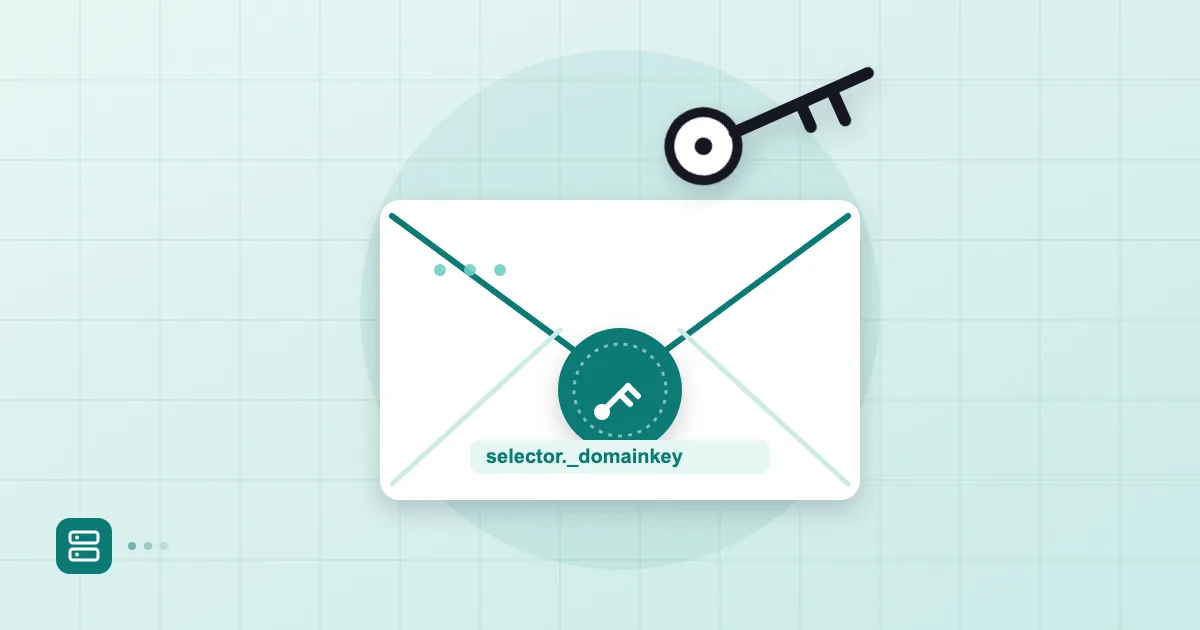
Short answer: DKIM (DomainKeys Identified Mail) adds a cryptographic signature to every outgoing message. The receiving server fetches your public key from a TXT record at
selector._domainkey.yourdomainand checks the signature against it. A passing result tells the receiver the signed parts were not altered in transit and that the signing domain authorised the message. A 2048-bit RSA key is the sensible default today.
What does a DKIM signature actually prove?
It proves two narrow things: that the signed headers and body are unchanged since signing, and that whoever signed controls the key published under the domain named in the d= tag. It does not prove the content is honest or the sender is well-intentioned. A scammer can sign mail from their own domain perfectly well.
The misunderstanding we run into most is treating DKIM as "this sender is not spoofed." If the visible From: address says your-bank.com but the signature says d=cheap-sender.net, the signature can be valid and the From address still be a lie. The check that ties the two together is DMARC, and our DMARC setup walkthrough shows how SPF and DKIM are aligned with the From domain.
Compared with SPF, the difference is where the trust sits. SPF says which IP addresses may send for a domain and looks at the envelope sender. DKIM signs the message itself and, unlike SPF, usually survives forwarding. You want both. Our guide on how to write an SPF record covers the other half.
Selectors and the _domainkey record
A selector is the name of one DKIM key. It tells the receiver which DNS record to look up. The signature carries s=selector, and the receiver builds the query as the selector, then ._domainkey., then the d= domain.
If a message says d=example.com; s=mail2026, the receiver asks for this record:
mail2026._domainkey.example.com. 3600 IN TXT "v=DKIM1; k=rsa; p=MIIBIjANBgkqhkiG9w0BAQEFAAOCAQ8AMIIBCgKCAQEA...AQAB"
Selectors exist so one domain can have several keys at once: one for your mail platform, one for a newsletter tool, one for a CRM, and one for the old key that is being retired. They do not overwrite each other. That is also what makes key rotation painless.
Here is what the pieces mean:
| Tag | Where | Meaning |
|---|---|---|
v=DKIM1 |
DNS record | Version; usually optional, but good practice |
k=rsa |
DNS record | Key type |
p=... |
DNS record | Base64 public key; an empty value means the key is revoked |
d= |
Signature header | Signing domain |
s= |
Signature header | Selector |
h= |
Signature header | Which headers were signed |
bh= |
Signature header | Hash of the body |
b= |
Signature header | The signature itself |
You often do not get to choose the selector name; your provider hands you selector1, default or s1. When you do choose, include a date or a letter (2026b) so the next rotation has an obvious successor.
Key length and rotation
Use 2048-bit RSA. The specification, RFC 6376, requires signers to use at least 1024 bits, but 1024 is considered weak today and the large mailbox providers' own setup pages point to 2048. The catch is size: a 2048-bit public key runs to roughly 400 characters, while a single DNS TXT string tops out at 255.
So the value must be split into two or more quoted strings:
mail2026._domainkey.example.com. IN TXT ( "v=DKIM1; k=rsa; p=MIIBIjANBgkqhkiG9w0BAQEFAAOCAQ8AMIIBCgKCAQEA..." "...rest of the key...AQAB" )
Most current DNS dashboards split long values for you. Some do not, and if you paste the whole thing into one field it is silently truncated and verification fails. We come back to this below.
Rotation means generating a new key, letting the old one live for a while, then removing it. The order we recommend:
- Create a new key pair under a new selector and publish the public half.
- Confirm it resolves, and only then switch signing to the new selector.
- Leave the old record in place for a few days so messages still in transit verify.
- Delete the old record.
For most small companies the key never changes for years, and that is fine. You still need to know the procedure for the day an administrator leaves or a private key may have leaked. In many setups the platform handles it; your job is keeping the DNS side in step.
Publishing and verifying the record in DNS
A DKIM record is a TXT record whose host name is selector._domainkey. At a registrar or DNS host you open the zone editor, add a TXT record and paste the value. The menu is called "DNS Management" at some providers and "Zone Editor" or "DNS Records" at others, but the form is the same.
Two traps come up constantly. First, many dashboards append your domain automatically. If you type the full mail2026._domainkey.example.com you end up with mail2026._domainkey.example.com.example.com. Read the example row in the dashboard and type only mail2026._domainkey when the domain is added for you. Second, copying stray line breaks or spaces along with the value.
After saving, check it from a terminal:
dig +short TXT mail2026._domainkey.example.com
If you see v=DKIM1; k=rsa; p=... the record is live. The old "allow 48 hours" advice is mostly folklore; a brand new record typically appears within minutes. Only a record you changed can linger at its old value until the TTL expires.
If you host mail with Postanex, outgoing messages are DKIM-signed and the panel shows which records to add and with what values, with live DNS checks until every light turns green. The mechanics are identical at any provider; only the menu names change.
Reading the DKIM result in message headers
The most trustworthy test is a real message. Send one from your domain to a Gmail address, open it, use the three-dot menu and choose "Show original." Two things matter. The signature itself:
DKIM-Signature: v=1; a=rsa-sha256; c=relaxed/relaxed; d=example.com; s=mail2026;
 h=from:to:subject:date:message-id; bh=2jUSOH9NhtVGCQWNr9BrIAPreKQjO6Sn7XIkfJVOzv8=; b=AuUoFEfDxTDkHlLXSZEpZj...
And the verdict the receiver wrote:
Authentication-Results: mx.google.com;
 dkim=pass header.i=@example.com header.s=mail2026;
 spf=pass smtp.mailfrom=example.com;
 dmarc=pass (p=NONE) header.from=example.com
You want dkim=pass. Check that header.i and header.s match the domain and selector you expect. If you want to get comfortable with the rest of those lines, our article on email header analysis walks through Received and Authentication-Results in detail.
dkim=none or neutral (no key) almost always means a DNS problem. body hash did not verify means something changed the message after it was signed; a mail gateway appending a legal footer is a classic culprit.
Common DKIM errors: line breaks, quotes, duplicates
These are the ones we see most when helping people set up a domain.
Truncated values. The long key does not fit, or the dashboard cuts it at 255 characters. Check that the p= value ends with something like AQAB; if it ends abruptly, the record is incomplete.
Quote problems. Some dashboards add the quotation marks themselves. If you paste them too, a literal quote ends up inside the value and the record is invalid. Look at the example row to see whether the field expects raw text.
Duplicate records. Two TXT records for the same selector confuse receivers, and many treat the result as a failure. A leftover record from a previous mail host is the usual cause. If you are leaving a provider, the cleanup steps in moving off hosting email are worth a read.
Wrong host name. domainkey without the underscore, or forgetting the selector part. A one-character slip can cost an afternoon.
Signing under someone else's domain. A newsletter service that signs with its own domain will pass DKIM but fail DMARC alignment. Publish the custom selector record the service gives you under your own domain.
DKIM protects the message; the transport between servers has its own layer, which our piece on MTA-STS and TLS-RPT covers. And if your actual problem is junk-folder placement, why emails go to spam lays out the whole diagnostic order.
Frequently asked questions
Can I send email without a DKIM record?
You can, but we do not recommend it. Gmail and Yahoo expect DKIM from bulk senders, and unsigned mail lands in junk more easily even at low volume.
Will changing the selector break my mail?
Not if you follow the order: publish the new record, switch signing, then remove the old one after a few days. If the order is reversed, signatures cannot be verified.
My DKIM key is 1024-bit. Do I have to change it right now?
It is not an emergency, but plan for it. Generate the replacement at 2048 bits during your next rotation, and check beforehand that your DNS dashboard can split a long TXT value.
Can one domain have several DKIM records?
Yes, as long as each uses a different selector. Your mail platform, newsletter tool and CRM can each carry their own. Never publish two records under the same selector name.
- DKIM
- selector
- DNS
- key rotation
- email authentication