Look at the report inbox of any company that has one and you will see the same story on repeat: "I got a message from my boss, the bank details changed, she needs this paid today." The email is usually written in flawless English. An employee hunting for typos finds none, and pays. So if you are wondering how to spot a phishing email, the honest answer in 2026 is that grammar no longer helps. Behaviour, context and verification do.
The ten signs below come from what we see most often when email teams help clean up after an incident. None of them proves anything alone. Two or three together are plenty of reason to stop and think.
Short answer: Phishing emails usually build urgency or borrow authority, then ask for something unexpected: a link click, an attachment, a password, or a change to payment details. When you doubt a message, do not click, confirm with the sender through a channel you already trust (not the one in the email), and forward the message to your team's reporting address.
Why phishing works: urgency and authority
Phishing is a psychological trick before it is a technical one. The attacker wants you to stop thinking. "By 5 p.m. today", "your account will be suspended", "the CEO is in a meeting and needs you to handle this" all do the same job: they take away your time and make you forget who you could ask.
That gives us signs one and two. First, an unusual level of urgency. Second, a senior person asking you to skip the normal process. Real executives do rush people, that is true. But a real executive rarely asks you to keep a payment quiet. The moment a message says "don't tell anyone", treat it as a red flag.
Sender and header signs
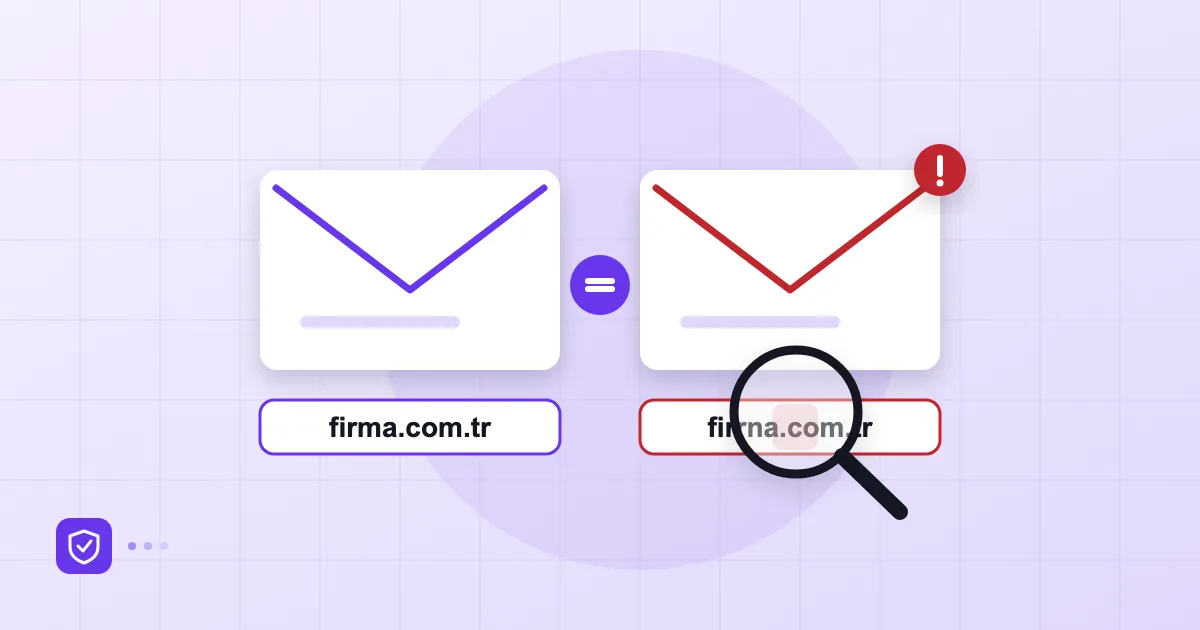
Sign three is a mismatch between the display name and the real address. Phones often show only "Alex Morgan" and hide the address unless you tap. Tap. If you find something like alex.morgan@company-support.com, a domain that resembles yours without matching it, you are in the wrong place. We covered lookalike domains in more depth in our piece on email spoofing.
Sign four is a message from someone you know that simply sounds off. A new phrase, a greeting they never use, an odd hour. Here you are not looking for a single hard clue; you are trusting the instinct that asks "would this person write like this?"
Sign five is more technical: the reply goes somewhere else. If the Reply-To header points at a different address from the sender, your answer lands in the attacker's mailbox. Most mail apps show the recipient line when you start a reply. A few seconds of looking is all it takes.
Authentication records (SPF, DKIM, DMARC) work behind the scenes here. A properly configured domain is harder to forge outright, but those records do not protect you from a lookalike domain. A human eye is still required.
Link and attachment signs
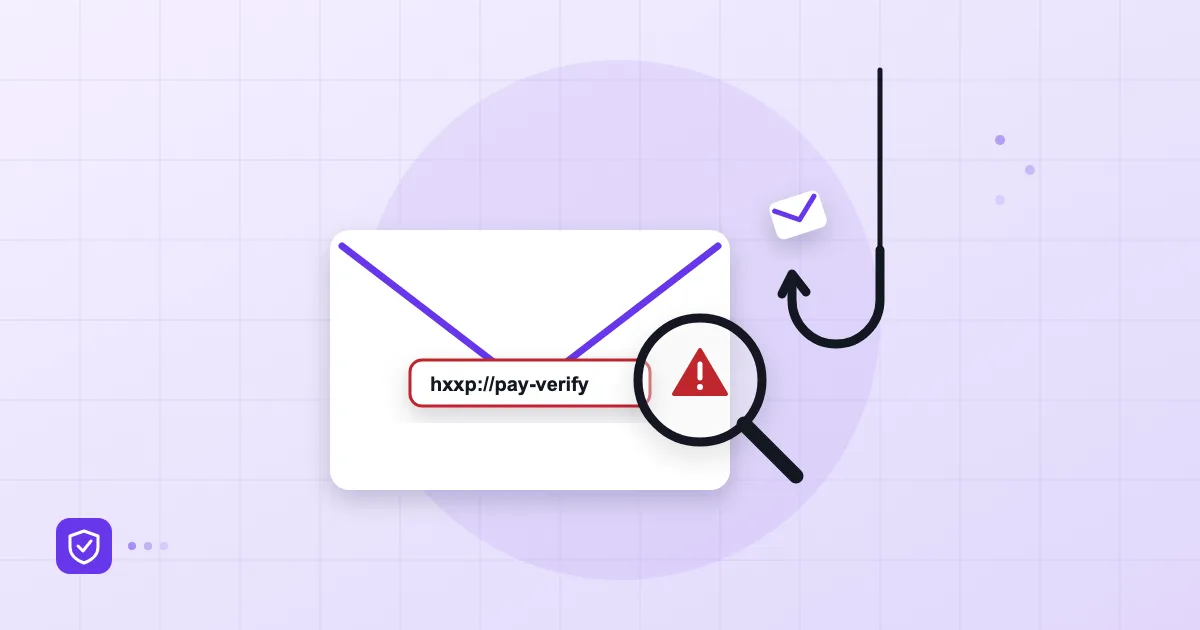
Sign six is a link whose visible text does not match its real destination. On a computer, hover; on a phone, long-press. A link that says "microsoft.com" and goes elsewhere is the oldest trick and still one of the most effective. Shortened links are rarely needed in genuine business mail, so question them.
Sign seven is an attachment you did not expect. An "invoice", "order" or "payment receipt" you are asked to open, especially when you were not waiting for one, deserves suspicion. Compressed archives, office documents that ask to enable macros and double extensions (invoice.pdf.exe) are the classic examples. A second "updated version" arriving the same day from the same sender should get the same scepticism, not less.
Sign eight is a page that asks for a password or verification code. If a link takes you to a login screen, try reaching that service by typing its address yourself instead. And if you already signed in and only later felt doubt, jump straight to our plan for the first 24 hours after an account is compromised.
Payment and bank detail change requests
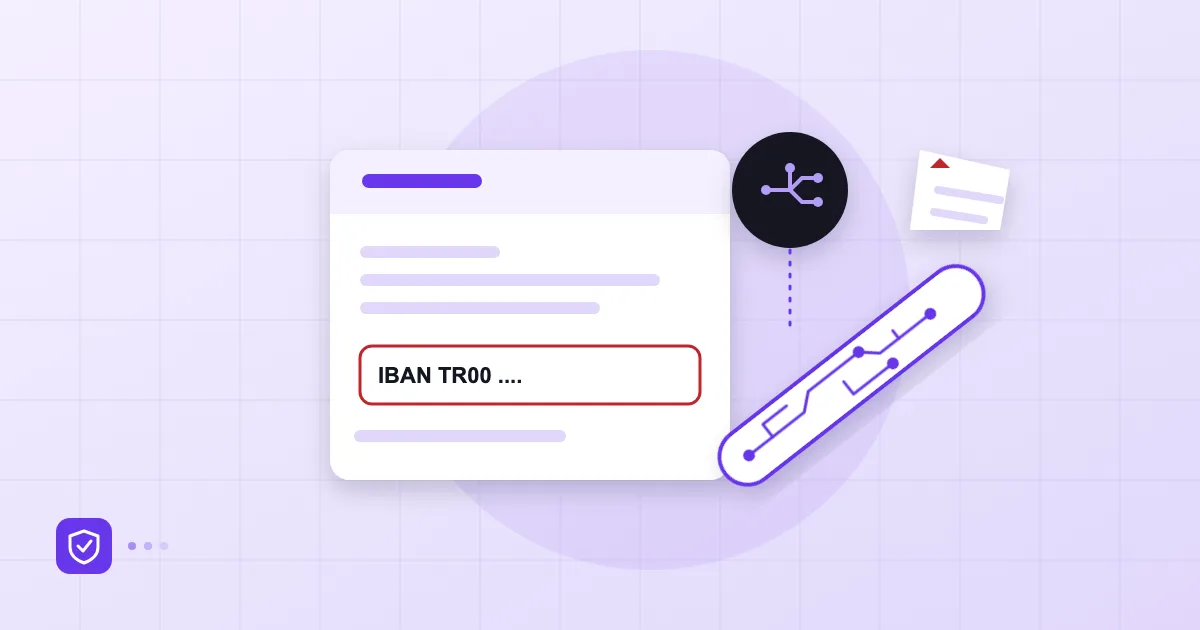
Sign nine is the expensive one: an email announcing that payment details have changed. A supplier writes "our bank account is new", an executive says "send this amount to this account". Attackers often sit inside a genuine conversation thread, so the request looks like a natural next message. That is why the rule has to be procedural: bank details never change on the strength of an email. You call a number already on file and confirm by voice. We go deeper into this pattern in our article on AI-assisted phishing and BEC.
Small companies often skip this rule because it feels distrustful. In our experience the opposite happens: suppliers are not offended by a callback. Many find it professional.
Sign ten: something feels wrong
The tenth sign cannot be measured and is still valuable: a feeling that something is off. Employees usually sense it, then feel embarrassed and say nothing. A healthy team culture treats that feeling as useful information.
| Sign group | Where to look | Quick check |
|---|---|---|
| Urgency, authority | Tone of the text | Would this request normally go through the usual process? |
| Sender | Address and Reply-To | Does the address match the company domain exactly? |
| Link | Hover or long-press | Does the visible text match the real destination? |
| Attachment | Name, extension, expectation | Was I expecting this file? |
| Payment | IBAN, amount, secrecy | Did I confirm by phone on a number already on file? |
What to do when in doubt
If you have not clicked, the job is easy: do not reply, do not delete yet, forward it to the address your team designated. Deleting early removes the chance to warn colleagues who received the same message. If you did click or typed something in, do not hide it. Change your password immediately and tell your manager. Honesty in the first hour genuinely shrinks the damage later.
To see which control sits at which layer, our 12-point small business email security checklist is a sensible place to start. If a password is stolen anyway, the second step is what keeps the door shut, which we explain in the guide to two-factor authentication and passkeys. On the company side, settings such as spam and virus filtering and a mandatory 2FA policy for mailboxes can be managed in the admin panel of Postanex. No filter is perfect though, so the employee's habits remain the last line of defence.
Building a reporting culture
Training slides are forgotten within weeks. Habits stay. Our simple three-step advice: name one address where suspicious mail is forwarded, never ask the reporter "why did you click?", and share a short "here is what we saw this week" note with everyone. After a few months the number of reports goes up. That is not bad news. It means people have learned to look.
Cyber insurance applications also tend to ask about employee awareness and how suspicious mail is reported; we outline the typical questions in our piece on cyber insurance and email security. For a short official summary of recognising and reporting phishing, see CISA's guidance on phishing.
Frequently asked questions
Is an email safe if it has no spelling mistakes?
No. AI tools write polished text in any language, so quality of writing is no longer a trust signal. Look at the sender address, whether the request fits your normal process, and whether it asks for a payment change, a password or a code.
I clicked a link by mistake. What now?
If you entered nothing, close the page and tell whoever looks after IT. If you typed a password or code, change the password right away, end open sessions and report it. The earlier you say so, the less is affected.
Should I delete a suspicious email or forward it?
Forward it to your team's reporting address first, then delete it. The same message may have reached other people, and your report can protect them.
Does phishing awareness training actually work?
One-off sessions have limited effect. Short, regular reminders and a culture that never punishes reporting work better. Put training next to technical controls such as 2FA, filtering and authentication, not instead of them.
- phishing
- email security
- BEC
- employee awareness
- suspicious email