When a small business asks for a cyber insurance quote, roughly half the questionnaire that comes back is about email. That is not surprising: from ransomware to payment fraud, a lot of incidents begin in a mailbox. We work on the email side, not as insurers, so this article does not discuss any particular policy, insurer or outcome. It covers the cyber insurance email security questions that typically appear on application forms, and what you should have ready to answer them honestly.
Forms differ between insurers, and so does coverage. Read the one in front of you with your broker or insurance adviser.
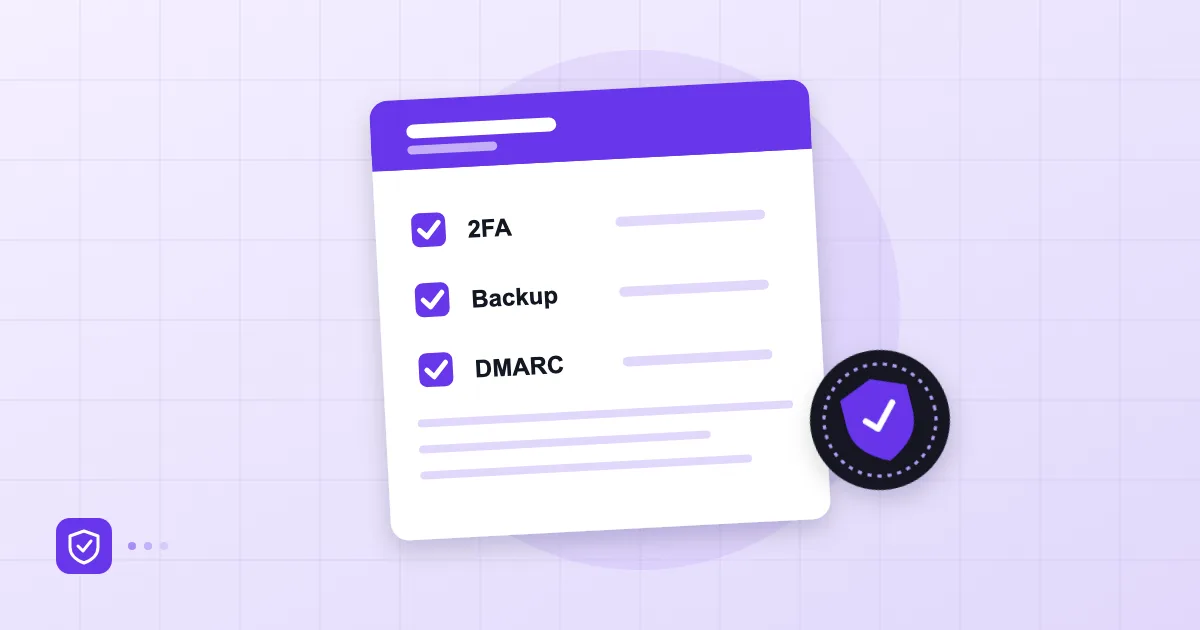
Short answer: Application forms commonly ask whether email accounts use multi-factor authentication (MFA), whether SPF, DKIM and DMARC are in place, whether spam and malware filtering is active, whether mail is backed up and restores have been tested, and whether a written incident plan exists. The best preparation is to keep a record, screenshot or policy document behind every "yes".
What does cyber insurance cover?
Let us set expectations first. Cyber insurance is generally designed to cover part of the costs after an incident: response, forensics, notification, business interruption, some legal expenses. Which items are covered, the limits and the exclusions depend on the policy. Insurance does not replace security; security is a precondition that affects both the price and the likelihood of a payout.
So the form questions are really asking one thing: does this company practise basic hygiene? Insuring a business that does not is expensive for the insurer.
Typical email questions on applications
Strip away the wording and most email questions fall under five headings: account sign-in, sender identity, inbound filtering, backups and incident plan, and staff awareness. The table below lists them with the evidence you can prepare.
| Topic | Usually asked | Evidence you can prepare |
|---|---|---|
| Multi-factor authentication | Is it enforced on all mailboxes? | Admin-panel screenshot of the 2FA policy |
| Authentication | Are SPF, DKIM and DMARC published? | DNS records, DMARC policy, a sample report |
| Filtering | Are spam, phishing and malicious attachments scanned? | Provider's protection documentation |
| Backups | Is mail backed up regularly, has a restore been tested? | Backup policy, a restore-test note |
| Incident plan | Is there a written plan with named owners? | The plan, notes from the last exercise |
| Awareness | Is staff training provided? | Training dates, reporting records |
Multi-factor authentication
On many forms this section is a gate by itself. Asked "is MFA enforced for email on all users?", an answer of "most of them" is usually read as "no". We explained why enforcement matters in our guide to two-factor authentication and passkeys; here is the practical side. A setting left to each user's preference makes weak evidence. A 2FA policy applied by an administrator is a record you can show. In the admin panel of Postanex, the 2FA policy for mailboxes is set by the administrator; whichever provider you use, make a habit of taking dated screenshots.
Administrator and shared accounts are a separate story. Forms often ask about "privileged accounts", and in email terms that means the accounts that control the domain and its DNS. Do not mix them up with ordinary mailbox accounts.
Authentication and filtering
SPF, DKIM and DMARC usually appear in a single line, but depth is expected behind it. Is DMARC merely published, or is the policy at quarantine or reject? For background see our piece on email spoofing. Even when records are live, keeping a few months of clean DMARC reports helps well beyond the form. If outgoing mail is DKIM-signed, documenting that is easy; Postanex signs outgoing mail with DKIM and its panel walks you through the SPF, DKIM and DMARC records step by step.
On filtering, an insurer typically asks whether threat protection is in place. The honest answer is "yes, but it is not perfect". No filter catches every message, which is why staff habits, such as those in our guide to spotting a phishing email, count as a separate line.
Backups and an incident plan
"Do you have backups?" is never the last question. The next one is always "Have you tested a restore?" A company that has never opened its backup is not much better off than one with no backup. If mail is backed up daily, write that down; but also, once a year, try restoring a single mailbox and note the date.
An incident plan does not need to run beyond a page. Who decides, who is told, how are passwords and sessions revoked, when are customers informed? Our first 24 hours after an account is compromised is a decent template to start from. Add a payment-fraud scenario too; our article on AI phishing and BEC goes into that one.
Collecting provable evidence
The least discussed but most useful part of an application is paperwork. We suggest a small folder: a dated screenshot of the 2FA policy, an export of your DNS records, a note on backups and restore tests, the incident plan, and dates of staff training or reminders. One page each. Refresh yearly.
That gives you two things. First, you are not guessing as you fill in the form; every answer rests on a record. Second, if an incident happens, the discussion of "did we have this control?" is short. A wrong statement can cause trouble at claim time, so "I am not sure" is safer than a wrong "yes". For a general sweep of weak spots in email, use our 12-point small business email security checklist.
This article is general information, not insurance, legal or financial advice. Ask your insurance adviser about policy terms.
Frequently asked questions
Is 2FA mandatory for cyber insurance?
It depends on the insurer and the policy, but many forms treat multi-factor authentication for email as a baseline control. The safe route is to enforce it on every account anyway, since it is a sound measure regardless.
Do small businesses face email questions on cyber insurance applications too?
Yes. Even for small firms, email is among the most common entry points, so it features in the questions. The level of detail usually varies with company size.
Will an application be declined if my controls are incomplete?
Nobody can say in advance; it depends on the insurer's own criteria. Gaps can show up in the premium, scope or conditions. Closing the gaps you already know about before you apply is within your control.
What evidence should I keep?
Dated screenshots, an export of your DNS records, a backup and restore-test note, and a written incident plan are a good start. Update the folder once a year.
- cyber insurance
- MFA
- email security
- backups
- small business