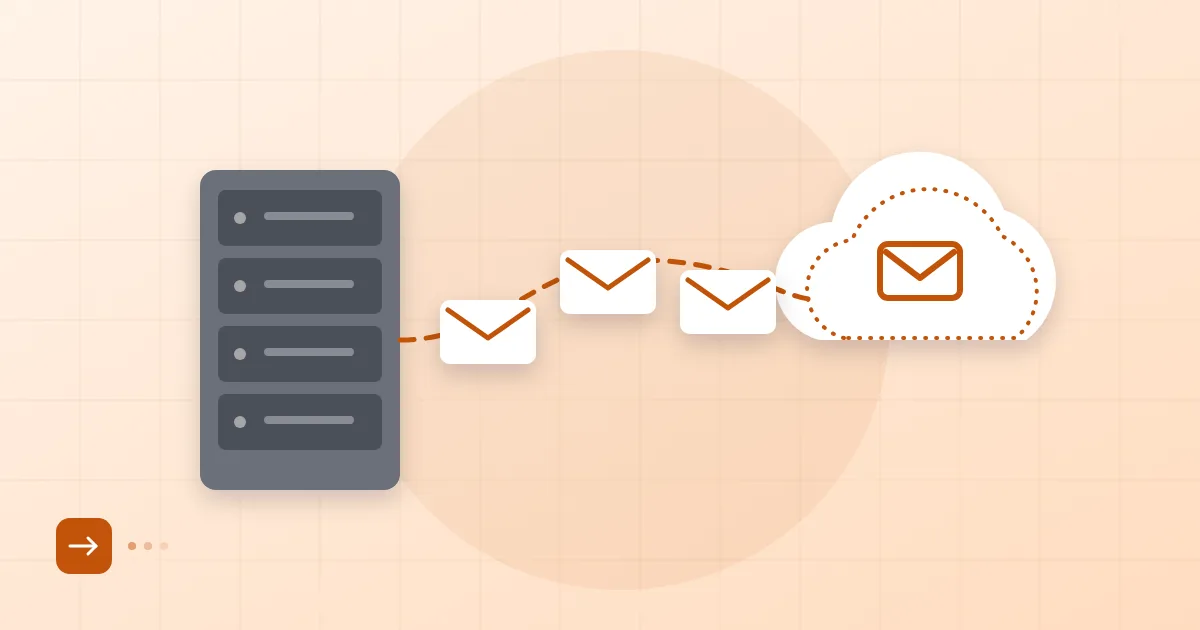
To migrate Gmail to business email feels like a leap if you have used a gmail.com address for years. Years of correspondence, accounts registered under it, customers who still have the old address saved. You can move all of it without losing anything; you just need to plan a transition period, in which the old and new addresses live side by side for a while.
The sentence we hear most after a move is: "I migrated, but one customer is still writing to the old address." That is not a mistake, it is normal. The plan exists precisely so those messages are not missed.
Short answer: To move from Gmail to a business mailbox, inventory your folders, labels, contacts and calendars, create the new mailbox, copy mail over IMAP and contacts through an export file, forward the old address to the new one and tell your correspondents. Do not close the old address right away; keep forwarding on for at least a few months.
Why and when to switch
Two things usually trigger the switch: the company grows and needs shared administration, or customers begin asking why quotes come from a free webmail address. A third trigger is a company discovering it cannot reach a departed team member's mail. We discuss the reasoning in Gmail vs business email.
On timing, avoid busy periods such as a tender deadline or a campaign week. A quiet midweek day is a good choice, because in the first hours after any DNS or forwarding change you will want to check a few things.
If you have not yet created the new mailbox, finish the steps in how to set up business email first.
Pre-move inventory: folders, labels, contacts, calendars
Do not move what you have not counted. Write the following on paper or in a spreadsheet:
| What | Where to look | Note |
|---|---|---|
| Labels | Gmail left sidebar | How many, how many nested |
| Size | Google account storage page | Space your mail takes up |
| Contacts | contacts.google.com | Number to export |
| Calendars | Calendar settings | Note shared calendars separately |
| Accounts opened with this address | Bank, social, cloud services | Email address to be updated |
The last row is the one people skip. Your Gmail address is the login for dozens of places, from a billing portal to your domain registrar. After you switch you will have to update each one. Treat "password reset" and notification emails that arrive in the first week as a prompt to complete that list.
How Gmail labels map to folders
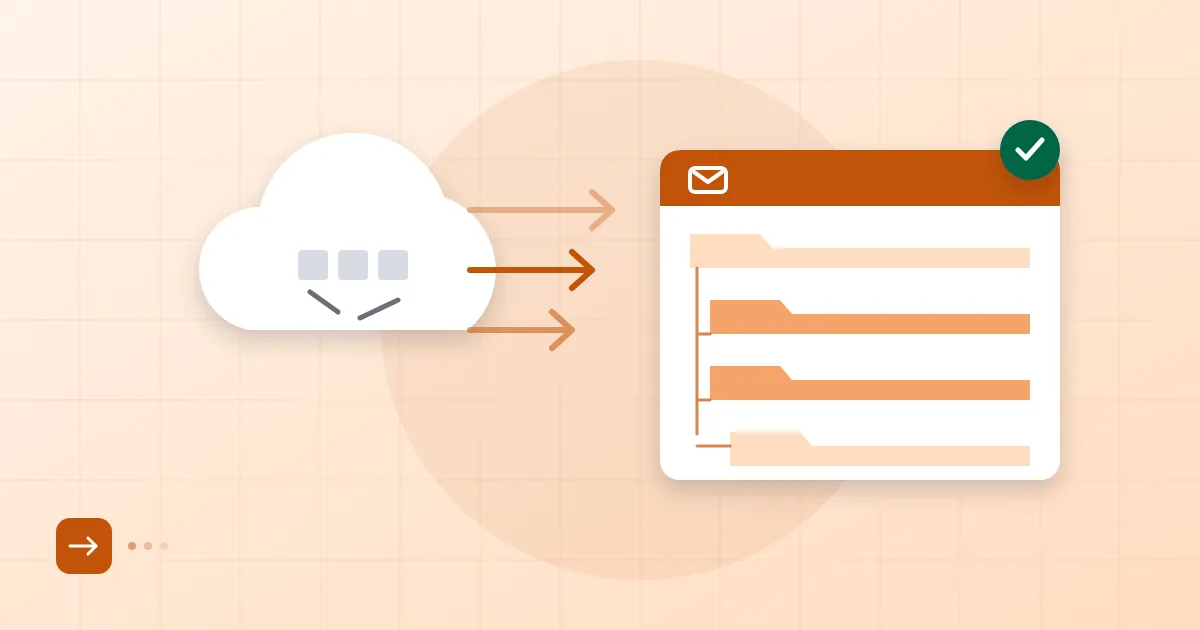
Gmail uses labels, not folders. A message can carry several labels at once; in a folder-based mailbox a message sits in exactly one folder. Over IMAP, Gmail presents each label as a folder, so multi-label messages appear in several of them. The result is duplicates: the same message arrives two or three times.
Make two decisions before you move anything. First, do not copy the "All Mail" folder; it holds everything and duplicates labelled messages. Second, decide which label is the "real" folder for multi-label messages. We usually promote the broad labels and collapse the very detailed ones, because a structure of dozens of labels does not stay manageable as folders.
Starred and important-marked messages are special cases too. They do not turn into folders; if you need them, group them under a label before the move.
Ways to move mail and contacts
For mail, the usual route is IMAP. In Gmail you enable IMAP under the Forwarding and POP/IMAP settings. If you use two-step verification, give the migration tool an app password generated in your Google account rather than your normal password. The protocol itself is defined in RFC 9051, IMAP version 4rev2. We go into manual and tool-based IMAP copying in moving mail with IMAP.
For contacts, export from Google Contacts as vCard or CSV and import into the new mailbox's contacts section. Calendars can be exported as ICS files and imported; shared calendars may need to be re-created with their attendees, so plan for that separately.
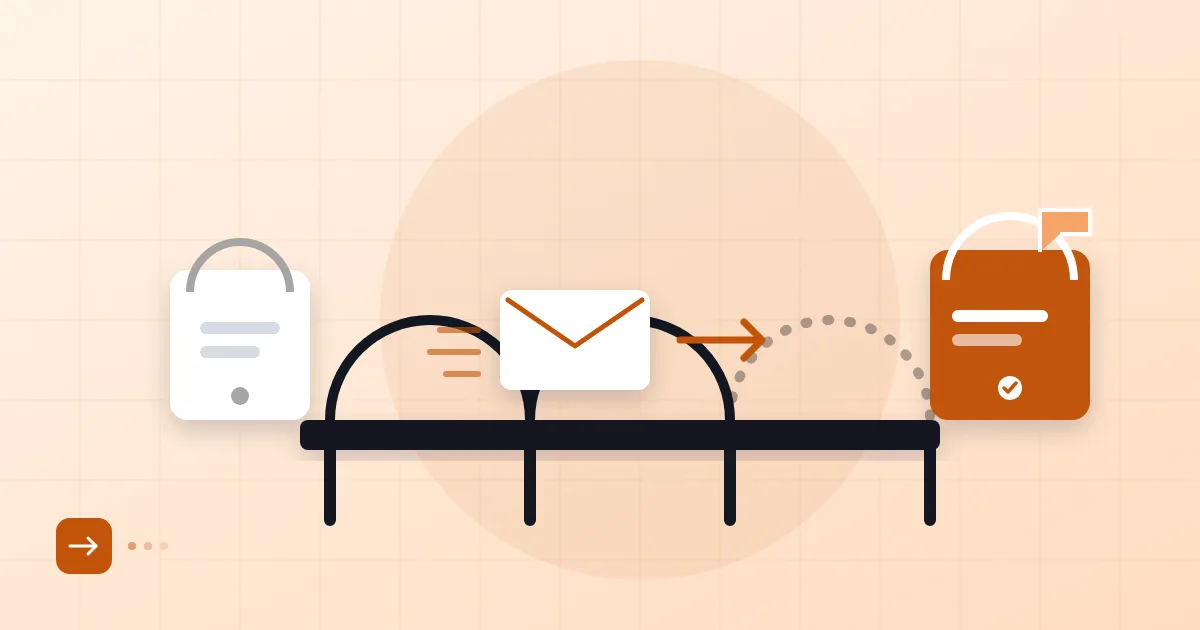
If you use Postanex, folders, mail and contacts can be moved from Gmail without interrupting mail flow. With any provider the principle is the same: leave the old mailbox untouched, copy into the new one, verify, then switch forwarding on.
Forwarding the old address and notifying contacts
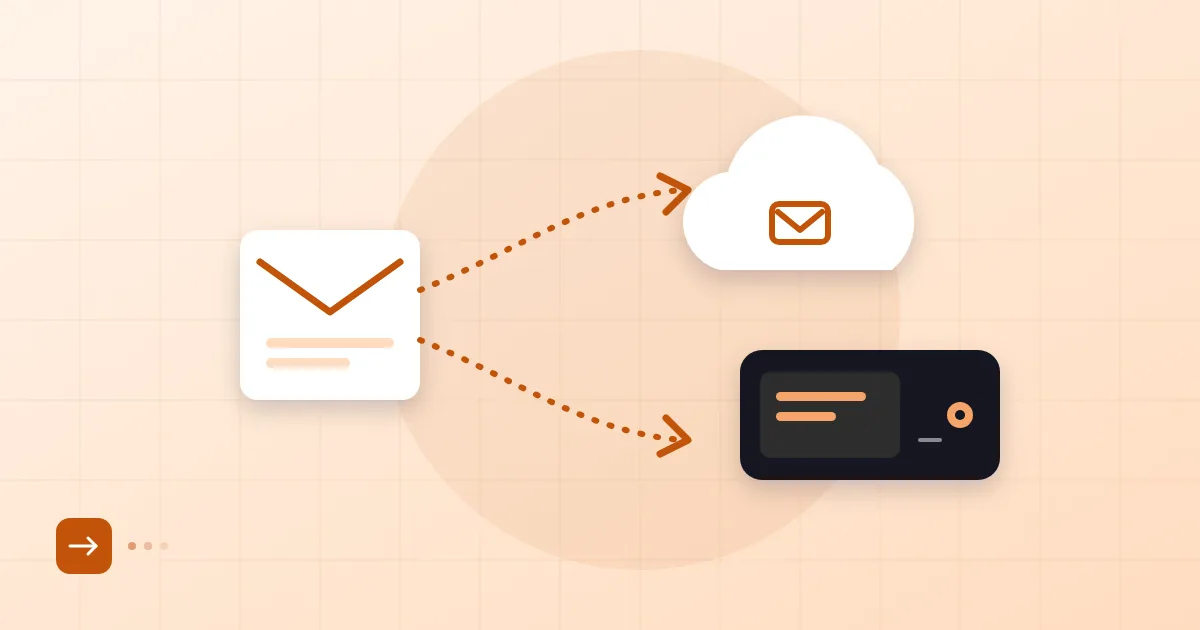
In Gmail you can add a forwarding address under Settings, See all settings, Forwarding and POP/IMAP. A confirmation message goes to the new address; once confirmed, every incoming message also lands in the new mailbox. The old address stays open, so nobody slips through.
For notifying people, a short, clear message is enough: "Our new address is name@yourcompany.com. The old address will keep working for a few months." Put the same note in your signature rather than writing to every customer and supplier. Contact your ten most frequent correspondents individually; the rest will learn over time.
If your domain was previously attached to another service, the way MX cutovers are planned, and why TTL is lowered in advance, is explained in zero-downtime email migration. You cannot and need not touch the MX of gmail.com, since that is Google's domain; MX is only the record of your own domain. If your domain's mail currently sits inside a hosting package, moving off hosting email is the relevant read.
Post-move verification list
A few days later, check these:
- Send a message from an outside address to the new mailbox and confirm it arrives.
- Send from the new mailbox to Gmail and to another outside address; check it does not land in spam.
- Compare the folder count and ten randomly chosen old messages.
- Confirm the contact count matches the export.
- Test the account on your phone and your computer.
- Update the email address on important accounts opened with the Gmail address (bank, tax, domain registrar).
Do not delete the old Gmail account. If you close it, the password-reset route for every account tied to that address closes with it. From what we see in the field, keeping forwarding on for at least six months is reasonable; after that, look at how much mail still arrives and decide.
Postanex lets you add users from the panel and move mail and contacts from Gmail, and our support team can help if you get stuck.
Frequently asked questions
Will I lose my labels when I move Gmail mail?
Labels appear as folders in the new mailbox. Messages with several labels can show up in several folders, so it helps to simplify your label structure before the move.
How do I avoid missing mail sent to my old Gmail address?
Turn on forwarding in Gmail so incoming mail also reaches the new address. Leave the old address open for months and tell your correspondents about the new one.
Can I move contacts and calendars too?
Yes. Export contacts as vCard or CSV and calendars as ICS, then import them into the new service. Shared calendars may need to be rebuilt with their attendees.
Should I delete my Gmail account after the move?
No, at least not for several months. If you delete it, password resets for accounts opened with that address stop working.
- Gmail
- migration
- IMAP
- contacts
- labels