Registering a new domain and sending an announcement to every customer on day one is one of the most expensive mistakes we see after a mail setup. The server can be configured perfectly, with SPF, DKIM and DMARC all passing, and mailbox providers will still treat your first messages cautiously because they have never heard of you. Email sender reputation is the invisible name for that getting-to-know-you period.
Short answer: Sender reputation is the trust that mailbox providers build up about you over time. On a new domain, start with small volumes and increase them gradually, mail only relevant and consenting recipients, and keep complaint and bounce rates low.
What is reputation, and who computes it?
Reputation is not one score sitting in one place for everyone to read. Gmail, Outlook, Yahoo and every other receiving system look at your sending history and reach their own internal judgement. The same message can reach the inbox at one provider and the spam folder at another. So there is no single answer to "what is my score?".
We do know the kinds of signals that carry weight: how often recipients mark your mail as spam, how much you send to addresses that do not exist, whether people open, reply or delete without reading, how consistent your authentication is, and whether your sending pattern is steady. Nobody publishes the exact formula, so it is more productive to build the right behaviour than to chase it. We summarise what the big providers expect from bulk senders in our article on bulk sender requirements.
Domain versus IP reputation
In the past, reputation hung mostly on the IP address. Today domain reputation plays a decisive role, because IP addresses can change while your domain follows you around. Where a provider uses shared IP pools, your behaviour and a neighbour's can blur together.
The short version of the difference: IP reputation is about which server sent the message; domain reputation is about whose name the message is signed with. A DKIM signature ties your domain to the message, so reputation stays with you even when the IP changes. Unsigned messages cannot build domain reputation at all. To read authentication results in the headers, see our guide to email header analysis.
One detail on the IP side: the server's reverse DNS (PTR) record and HELO name form the base of IP reputation. If those are inconsistent, even a good domain reputation will not save the message.
A new domain: a sending plan for the first weeks
A new domain has no history, which is both an advantage and a risk. The plan we suggest explains the logic without exact numbers, because the right volume depends on your industry and your list.
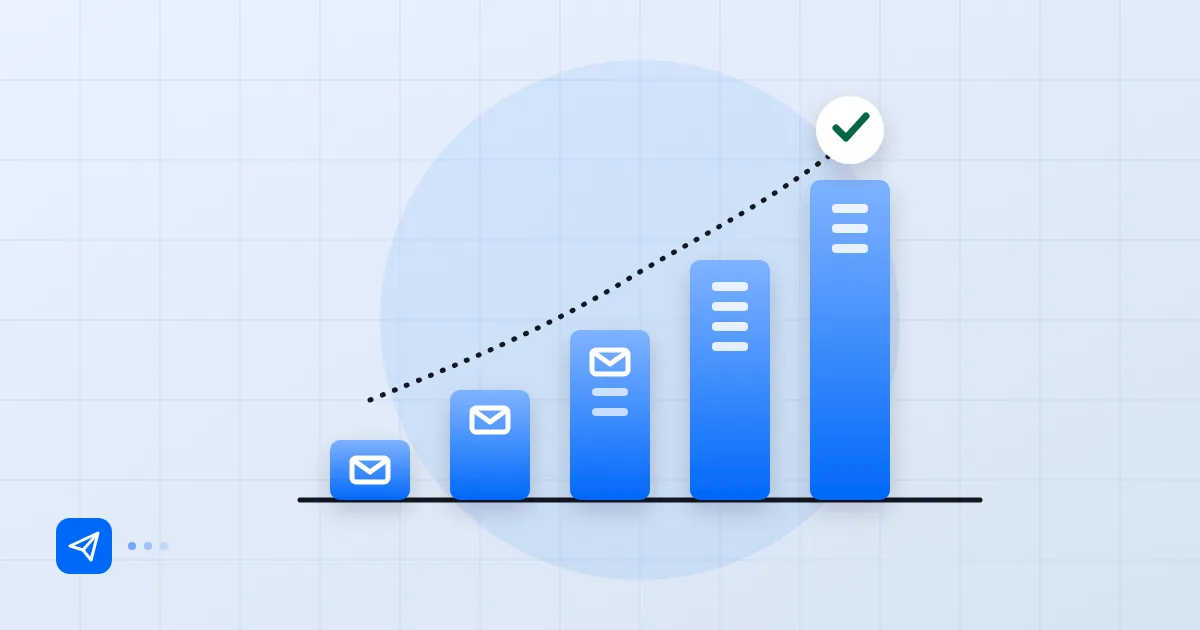
In the first days, write only to people who know you and are likely to reply: your own team, partners, current customers. Genuine replies are a strong positive signal to the receiving system. After a few days, increase volume, but never double it overnight. At every step look at bounces and complaints; if something goes wrong, pause, find the cause and restart.
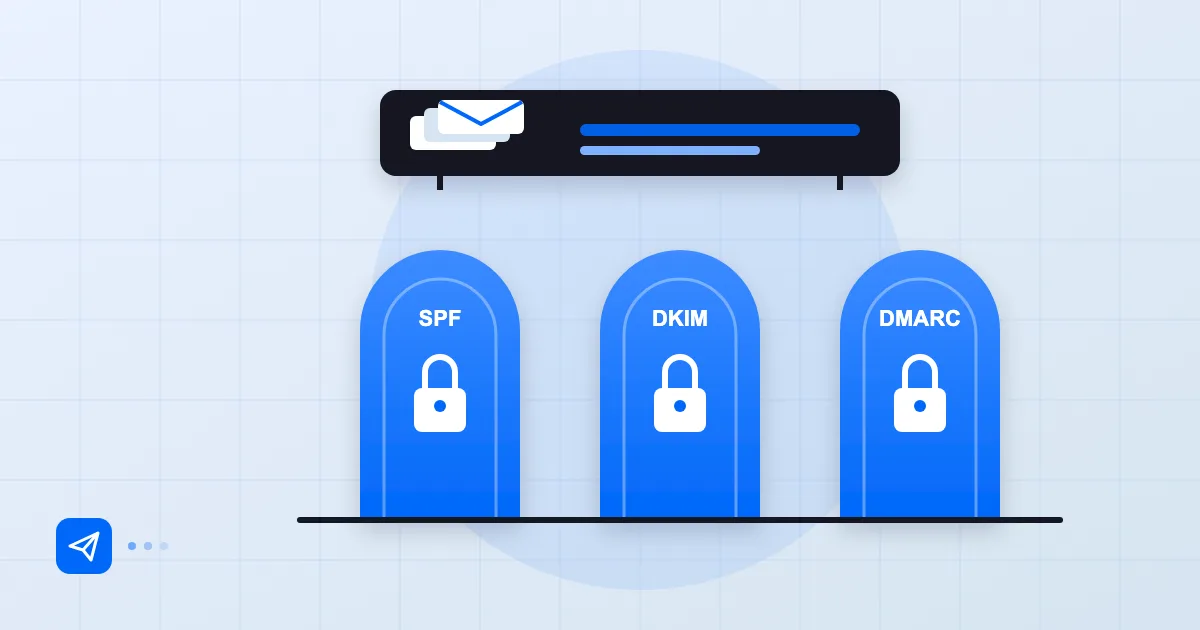
Leave the bulk newsletter for last. Sending a large campaign in week one from a new domain to a list that has never engaged with you is the shortest road to the spam folder. And if you opened several sending channels in the same week, such as a marketing tool, a CRM and an invoicing system, make sure each one is authorised in your SPF and signs with DKIM.
We are also careful with "warm-up" services. Tools that generate fake engagement between non-real recipients can look like they work in the short term, but they leave patterns that providers learn to detect. We do not recommend them; real messages to real recipients are the sturdiest warm-up there is.
Behaviours that hurt reputation
The ones we meet most often: mailing a purchased or scraped list, sending newsletters to recipients without a consent record, never cleaning invalid addresses, and using the same image-heavy, text-light template for every message. Hiding the unsubscribe link also pushes recipients towards the spam button. We cover the consent side in our article on commercial email consent and IYS in Turkey.
Another classic is a compromised mailbox: an attacker sends bulk spam through an employee account and the domain's reputation collapses overnight. Account security is part of protecting reputation.
| Behaviour | Effect |
|---|---|
| Purchased list | High complaints and invalid addresses |
| Sudden volume jump | Looks like a suspicious pattern |
| Uncleaned list | Hard bounces pile up |
| Hidden unsubscribe link | Turns into spam complaints |
Blocklists and delisting
Landing on a blocklist is not a catastrophe, but asking to be removed before you know why is pointless. First read why the message was rejected; the codes and text in a bounce usually tell you which list or rule fired. We decode them in our article on bounce codes such as 550 and 5.7.1.
Then close the source: lock the compromised account, fix the web form that spammers abuse, clean the list. Only after that follow the list operator's delisting process. If you ask before closing the source, you will be listed again soon. Every operator has its own process and conditions, so check its official page for details. For a view of industry best practice and sender expectations, the publications of M3AAWG are a good reference.
Monitoring reputation
Reputation that is not monitored is not managed. The signals to watch are the bounce rate, complaint feedback, reply rate and the tools the large providers offer. For Gmail that means Google Postmaster Tools; Microsoft offers its own sender tools. When your volume is high enough they give you a view through the provider's eyes.
Collect DMARC reports too. Seeing who sends in your name helps you spot both spoofing and unauthorised sources. On the technical side, if you use a service such as Postanex, outgoing mail is signed with DKIM and the panel walks you through SPF, DKIM and DMARC records, which gives your reputation a solid foundation. Postanex provides that, but sending behaviour is what earns or loses reputation.
Build a small weekly habit: check bounces and complaints, and slow down if you see an unusual rise. Reputation is built slowly and lost quickly.
Frequently asked questions
How many emails can I send on the first day from a new domain?
There is no number that fits everyone. Start small, write to recipients likely to reply, and spread the increase over several weeks. At each step watch bounces and complaints.
What is the difference between domain and IP reputation?
IP reputation relates to the server that sent the message; domain reputation relates to the domain the message is signed with and shown as coming from. Domain is more decisive today, but both matter.
I am on a blocklist. What should I do?
Find the reason in the rejection message, then close the source, such as a compromised account or a bad list. After that follow the listing operator's official removal process. A request made before the source is closed will not last.
How long does it take to recover after reputation damage?
It depends on how bad the damage was and on your behaviour afterwards. As long as you keep sending steady, consented mail with low complaints, things improve with time; we cannot promise a number of days.
- sender reputation
- IP reputation
- warm-up
- blocklist