"Mail Delivery Failed." "Undeliverable." "Delivery Status Notification." Whatever the subject line says, the usual reaction is to close the message and hit send again. Yet the explanation is normally sitting right there in the bounce: a three-digit code and a sentence next to it. Once you can read it, you can fix most failures without opening a ticket.
Short answer: The first digit of an SMTP bounce code tells you whether the failure is permanent (5xx) or temporary (4xx), and the enhanced code beside it, such as 5.1.1, gives the reason. 5.1.1 means the recipient address does not exist; 5.7.1 and 5.7.26 usually mean an authentication or policy block. Check the address and your DNS records first, then ask for help.
How to read a bounce message
The useful part of a bounce is at the bottom, in the technical block. The friendly sentence at the top is only a summary. Further down you will typically find something like this:
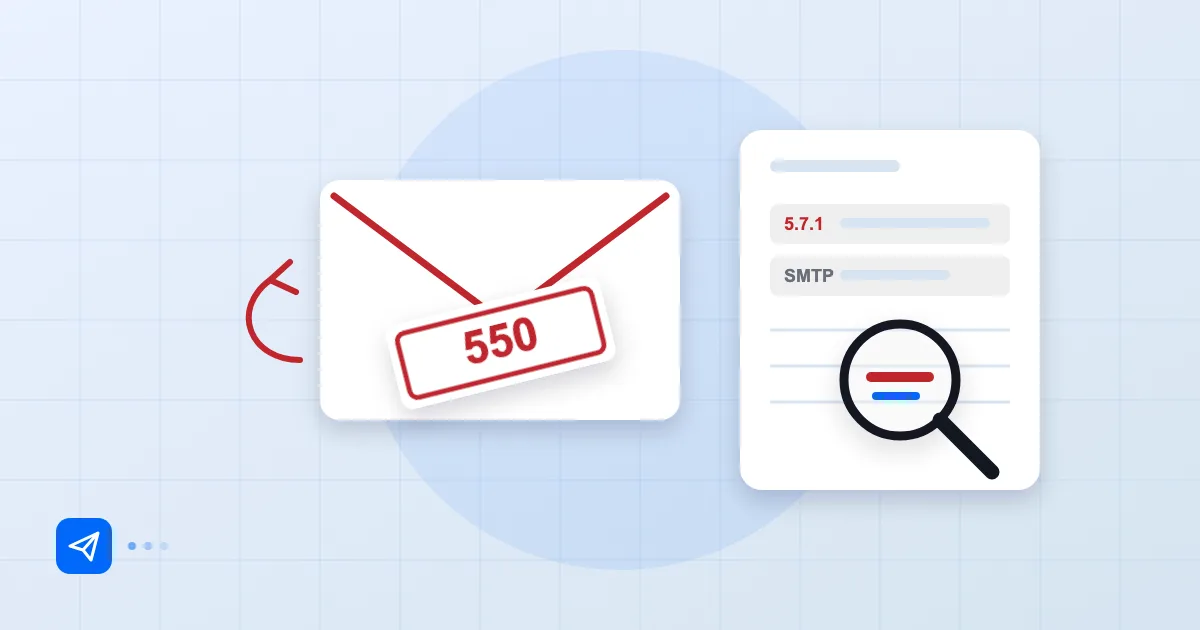
Diagnostic-Code: smtp; 550 5.1.1 The email account that you tried to reach does not exist.
Final-Recipient: rfc822; ali@example.com
Action: failed
Status: 5.1.1
Action: failed means permanent failure; delayed means the server is still trying. The Status line carries an enhanced status code defined in RFC 3463: three numbers separated by dots. The first is the class (2 success, 4 temporary, 5 permanent), the second the subject (1 address, 2 mailbox, 7 security or policy), the third the detail.
The free text varies by server; the code is standard. Trust the code, but do not throw the text away, because some providers put a help link in it.
Who wrote the bounce also matters. The server name and the Received lines show whether the problem started on your side or the recipient's. Our guide to reading email headers goes through that step by step.
4xx versus 5xx
4xx is temporary and 5xx is permanent, and that split decides what you do next. With a 4xx the sending server keeps the message queued and retries for a while, so often you simply wait. If the same 4xx lasts for hours, something is wrong: the receiver may be rate-limiting you or your reputation has taken a hit.
With a 5xx the server has given up. Re-sending the same message unchanged is pointless; find the cause first. The base protocol is in RFC 5321, including how retry behaviour is expected to work.
Most common codes and meanings
This table covers what we run into most and where to look first.
| Code | Meaning | First thing to do |
|---|---|---|
| 550 5.1.1 | Recipient address does not exist | Check for typos |
| 550 5.2.2 / 452 4.2.2 | Recipient mailbox full | Reach them another way, retry later |
| 552 5.3.4 | Message too large | Shrink the file or share a link |
| 421 4.7.0 | Temporary rate limit or reputation | Slow down, wait |
| 550 5.7.1 | Rejected by policy | Read the text; check authentication |
| 550 5.7.26 | Authentication insufficient (SPF/DKIM/DMARC) | Verify your DNS records |
| 554 5.7.1 Relay access denied | Server will not relay for you | Turn on SMTP authentication |
5.7.1 is an umbrella code with many possible causes, which is why the accompanying text matters. "Relay access denied" usually means your mail app is not logging in to the outgoing server with a username and password; ticking the authentication box fixes it.
Rejections caused by authentication and policy
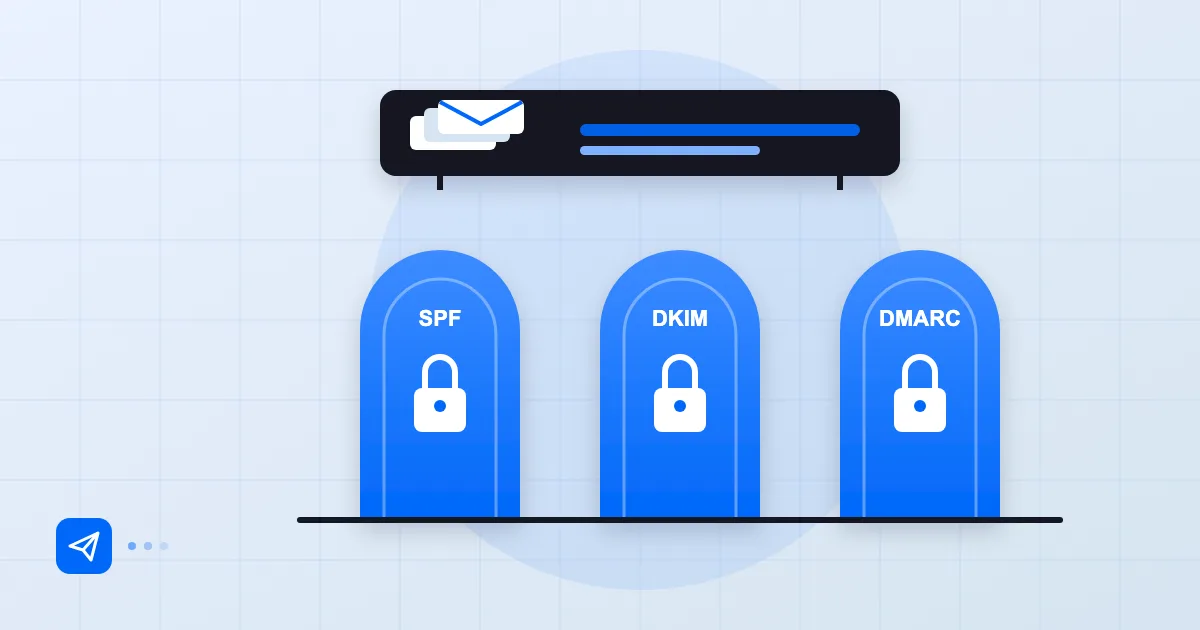
This is the fastest-growing category. A receiving server can check SPF, DKIM or DMARC and bounce the message at the door. Google reports "550 5.7.26" when it cannot sufficiently verify the sender, and the text generally says which check failed.
Work through it in order: does your SPF record include the server you sent from, is there a DKIM signature that verifies, does DMARC alignment hold? The cause we see most often is a third-party service that sends on your domain's behalf, such as a newsletter tool or a CRM, and was never added to SPF. Our article on why email lands in spam is a good starting point, and the sender requirements from Google, Yahoo and Microsoft are in bulk sender rules for 2026.
If your own domain publishes DMARC p=reject and one of your sending sources is not aligned, your own mail will bounce as well. That is why reading DMARC reports before tightening the policy is not optional.
Recipient-side problems
Not every bounce is your fault. The recipient's mailbox may be full, the account closed, or their company filter may be blocking you for the moment. In those cases, calling or messaging them another way is faster than decoding anything.
New domains often hit temporary reputation-based rejections; avoid heavy sending in the first weeks. We explain that in building domain reputation. If a DMARC failure appears only on mail that passed through a forwarder, ARC and email forwarding explains why.
When to ask for support
Ask for help in three situations: the same error persists despite a correct address and correct records; the failure only affects one recipient domain and the other side cannot explain it; or the text mentions an IP or domain blocklist.
Include the complete bounce, headers and all. Send text rather than screenshots, and give times and sender and recipient addresses instead of "it doesn't work". With that, a support team can usually answer the same day. Postanex customers who get stuck during setup can reach our support team, and you can read more about the service on the Postanex page.
Frequently asked questions
What does a 550 5.7.1 error mean?
The receiving server rejected the message on policy grounds. The cause may be missing authentication, a blocklist or a content filter, and the text after the code usually says which. Start by checking your SPF, DKIM and DMARC records.
Should I resend after a 4xx error?
There is no need; your server keeps the message queued and retries on its own. If the same temporary error lasts a day, look into why.
Does the Mail Delivery Failed notice only go to me?
Yes, bounces return to the sender address. That is why the sender address should be a monitored mailbox; errors returning to an address nobody reads go unnoticed.
Is a 5.1.1 error always a typo?
Most of the time, not always. The recipient's account may have been closed or the domain may have changed. Confirm the address another way.
- bounce
- SMTP
- 550
- 5.7.1
- deliverability