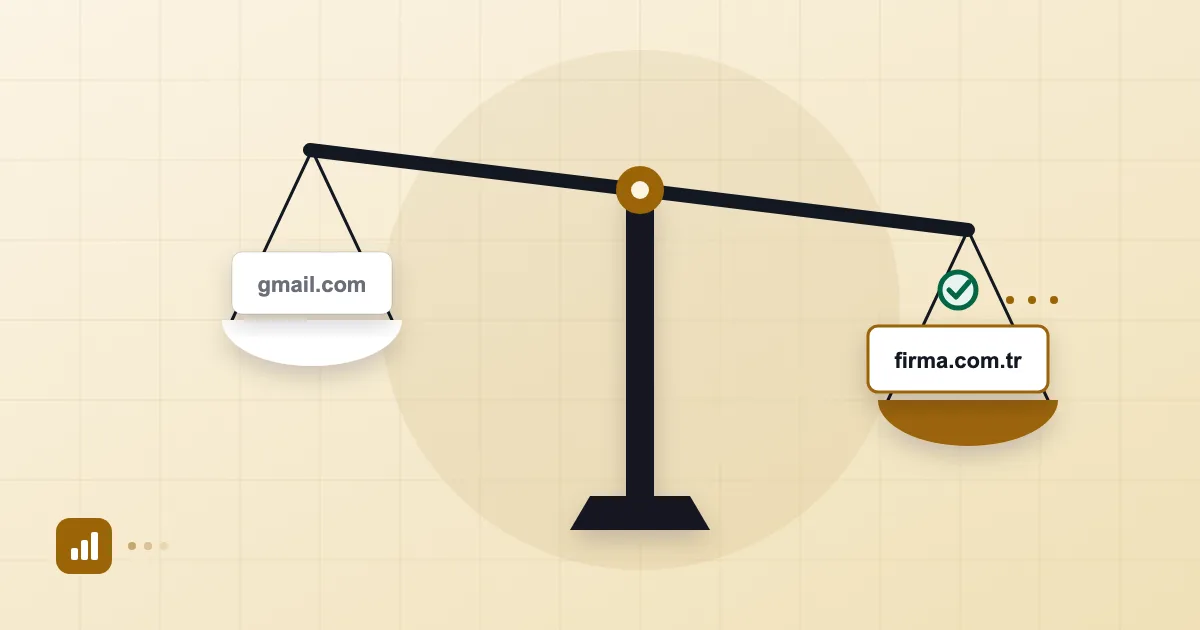
Most companies start life with companyname@gmail.com. It was quick, it was free and it was already on the founder's phone. Nothing wrong with that. The real question is when the arrangement starts costing you more than it saves.
Below we compare the two options without exaggeration: a free Gmail account and business email on your own domain (name@yourcompany.com). We have nothing against Gmail, which is a good product. It just helps to know what it is good for.
Short answer: The core difference between Gmail and business email is who owns the account and who controls authentication. A free Gmail account belongs to one person, there is no domain of your own, and you cannot manage the
gmail.comDNS records. With business email, the address sits on your domain, the mailboxes are managed by the company and the address stays with the company when someone leaves. For a one-person, short-lived or very small venture, Gmail can still be enough.
Credibility and trust
The first thing a customer or supplier sees is the address, and the address carries a message. Put info@yourcompany.com next to yourcompany.accounts2@gmail.com and the second makes plenty of people wonder how established the business is. We will not quote a statistic to prove it, but the pattern in our setup work is consistent: companies that begin dealing with tenders, resellers or larger clients tend to change their address first.
There is a security side too. Fraudsters also use free accounts to impersonate executives. If all your company's mail comes from your domain, staff and customers find it easier to notice "that address isn't ours." We treat this in more depth in AI phishing and BEC.
Who owns the account: the person or the company?
A free Gmail account belongs to whoever created it. The address your company uses is that person's Google account; they control the password, the recovery phone and the signed-in devices. The company has no administrative authority over it.
In practice: if one of the founders leaves, forgets the account, loses a phone or has the account suspended for some reason, then customer correspondence, threads with contract attachments and the address that every "reset my password" link goes to leave with them. The account is attached to a person, not to the business.
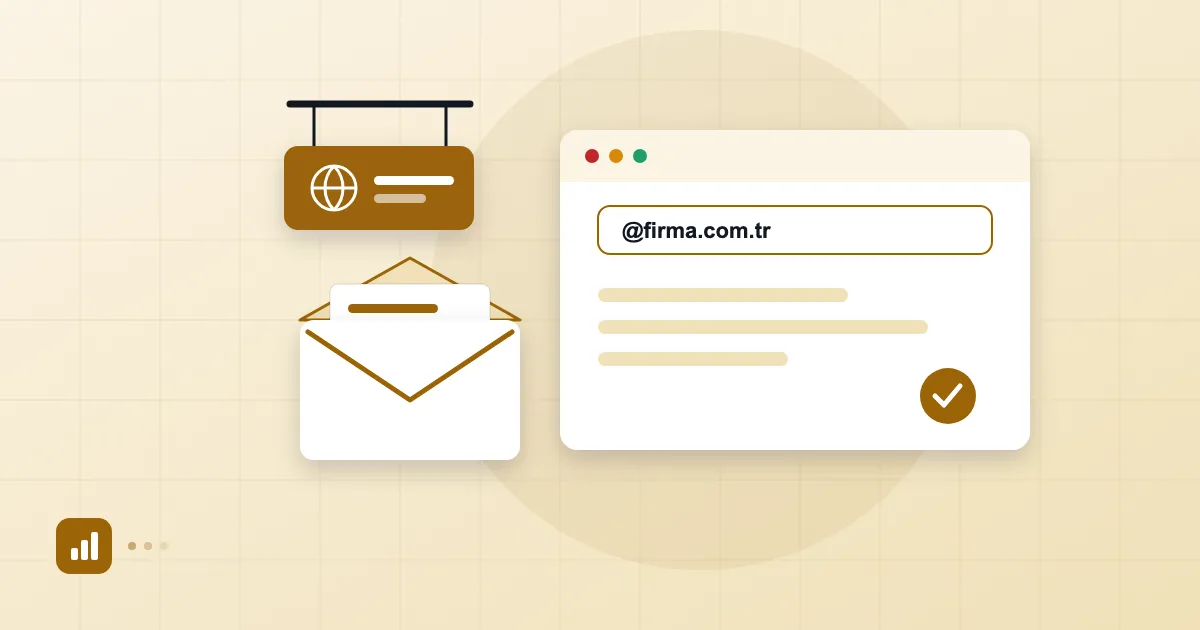
A domain works differently. If you registered the domain in the company's name and hold the DNS access, the address stays with the company regardless of who created which mailbox. An administrator can create a new mailbox, reset a password or suspend an account.
Access to mail when an employee leaves
A departing employee's mailbox is a risk many firms overlook. If staff use their own free Gmail accounts for company work, then when they go, the whole correspondence history is in their hands, and you can only ask for it.
Business email with an admin panel handles this better. In the Postanex control panel, for example, a user can be suspended and, if needed, restored with one click; aliases and groups let addresses like sales@ belong to a role rather than a person, so the address your customers write to does not change when the person does. We spell out the alias-versus-group question in email aliases and group addresses.
A tool alone is not enough, though. Keep a written offboarding checklist: reset the password, end sessions, set up forwarding, notify the people they dealt with.
Deliverability and authentication
When you send from a gmail.com address, Google manages SPF, DKIM and DMARC and you cannot touch them. That sounds like a benefit, and Gmail's own outgoing mail authenticates smoothly most of the time. But you cannot build a domain reputation of your own, and the domain the recipient sees is gmail.com, not yours, so you gain nothing as a brand either.
On your own domain it flips. You, or your provider, manage the authentication records and the reputation accrues to your domain. The responsibility comes with it: set up SPF, DKIM or DMARC wrongly and your mail goes to spam. Our business email setup guide gives the order to do it in; with Postanex the panel guides you through each record and outgoing mail is DKIM-signed.
There is a common hybrid: using Gmail's "Send mail as" feature to write from a custom-domain address. It works, but linking two accounts can blur which address a message came from, and some recipients may see a "via gmail.com" style note.
Calendar and shared administration
On a free account, calendar and contacts are personal. A company needs shared calendars, a company directory and team structure: who booked which meeting room, who holds the sales team's contact list, who makes sure a new hire appears in the directory?
With business email, calendar and contacts come in the same place as mail. Postanex keeps email, calendar and contacts together, with shared calendars, a company directory and file space. From the admin panel you can add users, watch quotas, manage groups and set a two-factor authentication policy for mailboxes.
When is Gmail enough?
To be fair, you do not always need a business address.
| Situation | Is Gmail enough? |
|---|---|
| A one-person venture with no customer-facing work yet | Often yes |
| A hobby or side project | Yes |
| A company with several employees writing to customers | No |
| Tenders, reseller programmes, corporate clients | No |
| Invoices, contracts or legal correspondence that must be on record | No |
| A brand name that matters | No |
The tipping point is usually the first employee, the first corporate client or the first invoice. Move before changing the address gets harder. The move itself is not difficult, and moving from Gmail to business email explains how to bring old mail with you.
If cost worries you, "business" does not always mean expensive. Some services use simple per-user pricing; we break down the thinking in business email pricing, and our pricing page lists the current amounts for Postanex. The hidden cost of no-cost options is the subject of free business email: what you gain and lose. If you are weighing products against each other, Google Workspace alternatives and the Workspace vs Microsoft 365 vs regional email comparison lay out a decision tree.
Frequently asked questions
What is the most important difference between Gmail and business email?
Ownership. A free Gmail account belongs to one person. With business email the address lives on the company's domain, and an administrator can create mailboxes, suspend them and reset passwords.
Can I use Gmail with my own domain?
Yes, Gmail's "Send mail as" feature lets you write from another address. It is not a permanent answer, though; the authentication and account-ownership problems remain.
What does a small company need to move to business email?
A domain name, access to that domain's DNS records and an email service. The domain stays at whichever company it is registered with; only a few DNS records are added.
Will I miss mail sent to my old Gmail address after switching?
Not if you keep the old address open during the transition and set up forwarding to the new one. Tell your contacts about the new address and keep checking the old mailbox for a few months.
- Gmail
- business email
- custom domain
- account ownership
- trust