You pressed Save in your registrar's panel, opened a checker, and the record is not there. Twenty minutes later it is still not there. You leave a grumpy "waiting for DNS propagation" note and sit on your hands. Most of the time there is a reason for the wait, but the word "propagation" paints the wrong picture.
We hear this question every week during setups: how long does it take, did I break something, should I do it again? The answer is usually "nothing is broken, wait". The trick is to learn that by measuring, not by hoping.
Short answer: A DNS change is live the moment it is published on the authoritative server. What people call propagation is the time it takes for resolvers that remember the old answer to let its TTL (time to live) run out. A brand-new record often shows up within minutes; a changed record can take as long as the old TTL. You confirm publication by querying the authoritative server directly.
Propagation is really caching
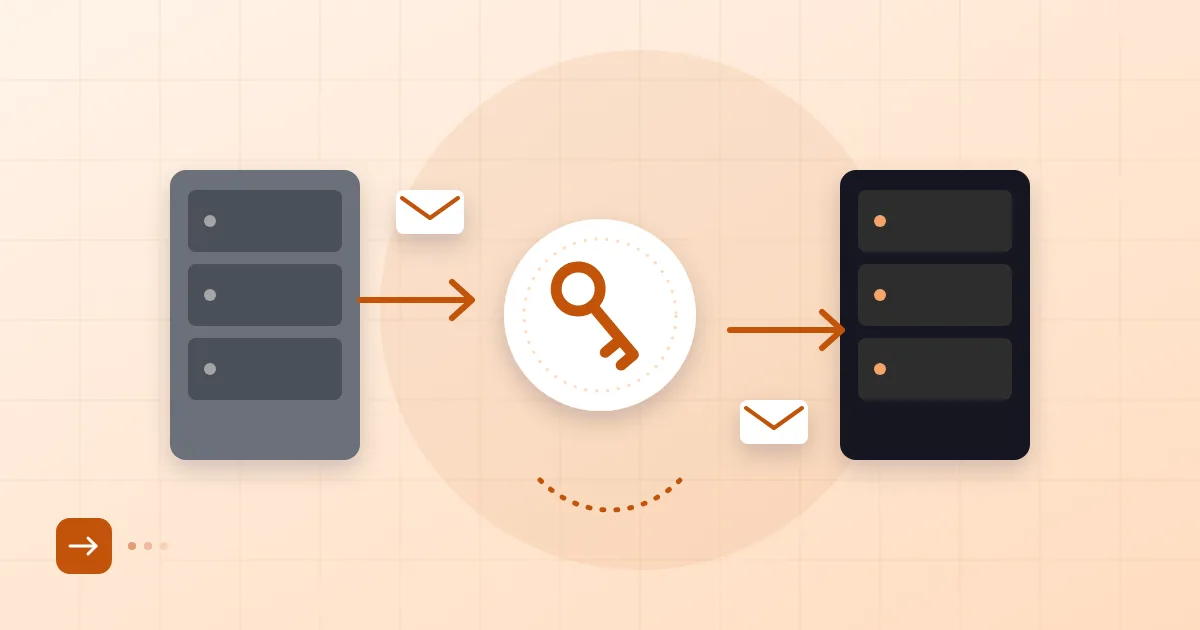
Propagation is not a record being pushed from server to server. It is resolvers keeping the last answer they received and only asking again when it expires. You edit the record at your registrar's or DNS provider's authoritative server. Everyone else on the internet holds on to whatever they were told the last time they looked.
That is why two people querying the same name at the same moment can see different results. One has an old answer cached, the other is asking for the first time. Your office router, your phone carrier, your browser and your operating system each keep their own cache too, which adds to the confusion.
What TTL means
TTL is the maximum number of seconds a DNS answer may be cached. The definition lives in RFC 1035, and the value is in seconds. Here is a record:
example.com. 3600 IN MX 10 mx1.example.net.
The 3600 in the middle says this answer may sit in a cache for an hour. If a resolver cached it a minute before your edit, it will show the new value an hour later. If it asked 40 minutes ago, it will update in twenty.
The practical lesson: lower the TTL before you change something. If you plan a server move, drop the value to 300 seconds at least as long as the old TTL before the move, then raise it again afterwards. We walk through the order of steps in our zero-downtime email migration plan with MX and TTL.
There is also the cached "does not exist" answer. If someone asked for a record you had not created yet, the "no such record" response is also remembered for a while. That is the usual reason a freshly added record is still missing in some places.
Confirming a record is published
The right question is not "does it show everywhere?" but "is it correct on the authoritative server?" If it is, the rest is cache lifetime and there is nothing to do except wait.
First find the domain's authoritative servers:
dig NS example.com +short
Then ask one of them directly:
dig MX example.com @ns1.example.net +short
If the value you expect appears, the record is published. Now ask a public resolver and compare:
dig MX example.com @8.8.8.8 +short
A different answer means that resolver still remembers the old one. If even the authoritative server shows the old value, the change was either not saved or made in the wrong zone, so check the registrar panel. If MX records are new to you, see what an MX record is.
Flushing local cache
Your own computer's cache is usually the easiest piece to fix. On macOS use sudo dscacheutil -flushcache; sudo killall -HUP mDNSResponder, on Windows ipconfig /flushdns, and on Linux systems that use systemd resolvectl flush-caches. Chrome keeps its own cache as well; type chrome://net-internals/#dns into the address bar to clear it.
These commands affect only your device. You cannot clear the cache at your carrier or your office DNS server; there you wait for the TTL to expire. Toggling airplane mode on a phone sometimes helps because the connection and resolver get refreshed.
Online check tools
Many free "DNS propagation checker" sites query resolvers around the world and plot the answers on a map. They are useful but can mislead. If some locations show the old answer, that is not a failure, only proof that the cache has not expired there. When using them, treat the authoritative answer as the truth, not the map.
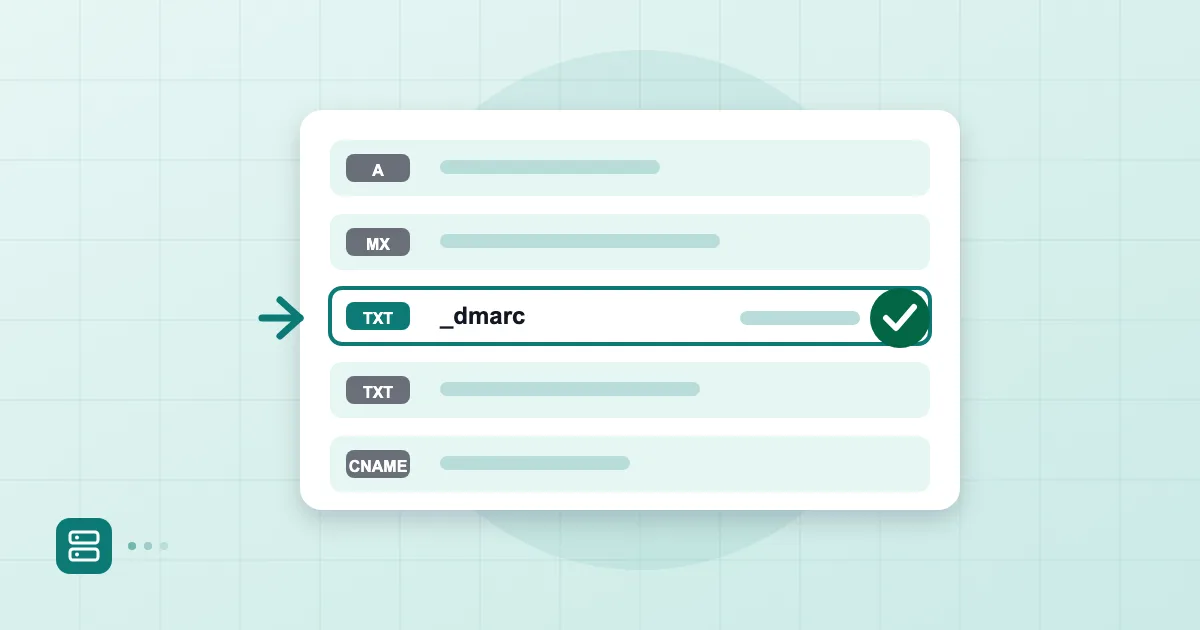
There are also email-specific checkers that test MX, SPF, DKIM and DMARC together. In the Postanex panel, live verification shows whether each record has turned green as you add it; for the whole first setup, read setting up business email with your own domain.
What to inspect if it takes longer
If you have waited more than two hours and the authoritative server is correct, work through this list:
- Wrong zone. You may have two DNS providers. The domain could be registered in one place while DNS is managed elsewhere, such as Cloudflare. You might have edited the panel that is not authoritative.
- Name servers changed. If you changed NS records the timing is different: that value is held by the parent zone (.com or the country registry) and can take a day or two.
- Record syntax. Stray quotes or spaces in a TXT value, or a CNAME that conflicts with another record, are common slips. For SPF and similar records, compare against the examples in DMARC setup in 2026.
- Domain status. An expired or suspended domain will not reflect changes. That is part of the renewal risk we describe in choosing a domain name for email.
If all of that checks out, only waiting remains. Being patient does not help; measuring in the right place does.
Frequently asked questions
How long do DNS changes take?
They are live on the authoritative server immediately. Other people see them depending on the TTL of the previous answer: new records typically within minutes, changed records within the old TTL. A name server change can stretch to a day or two.
Does DNS propagation really take 48 hours?
Usually not. Forty-eight hours is a conservative ceiling quoted for name server changes and old, high TTLs. For a record with a low TTL it is far shorter.
How do I flush my DNS cache?
On your own device, use the operating system's flush command, such as ipconfig /flushdns on Windows. You cannot flush a carrier's or public resolver's cache, so you wait for the TTL to expire.
What TTL should I use?
For records that rarely change, something like an hour is reasonable. Before a migration, lower it to 300 seconds for a short time, then raise it again.
- DNS
- TTL
- DNS propagation
- cache