In a small company, the mailbox is also the invoice archive and the "forgot my password" address for every SaaS tool the team uses. Whoever takes over that inbox does not just read your messages; they inherit every account tied to it. That is why small business email security is less about buying expensive products and more about order of operations: doing the right things in the right sequence.
The twelve items below follow the gaps we see most often when we set up domains for small teams. Each fits in a single sitting, and most cost nothing.
Short answer: Start by protecting your domain against spoofing with SPF, DKIM and DMARC. Then enforce two-factor authentication on every mailbox, cut down the number of admin accounts and give staff a short phishing briefing. Finish with a backup you know how to restore and a written incident plan. Those six areas close the routes attackers try most often against small firms.
Why email is the first door attackers try
Email is the only channel where anyone on the internet can reach your people directly. Nobody needs to break through a firewall; one click is enough. It is also a reconnaissance tool: attackers learn who sends invoices to whom, when payments go out and whose instructions the finance team follows. That context makes a fake invoice convincing.
For a general frame, NIST SP 800-177 Rev. 1 groups trustworthy email into sender authentication, transport security and content security. Our checklist is a pragmatic, small-team slice of that.
Authentication: SPF, DKIM and DMARC
1. Publish an SPF record. It is a TXT record that tells the world which servers may send mail for your domain. The mistake we see most is adding a second SPF record when a new tool arrives. A domain should have exactly one; merge new services into it.
example.com. TXT "v=spf1 include:spf.mail-provider.example -all"
2. Turn on DKIM signing. Outgoing mail is signed with a private key at your provider, and the public key sits in DNS so recipients can verify nothing changed in transit. Postanex signs outgoing mail with DKIM and its panel walks you through the record, but the logic is the same anywhere.
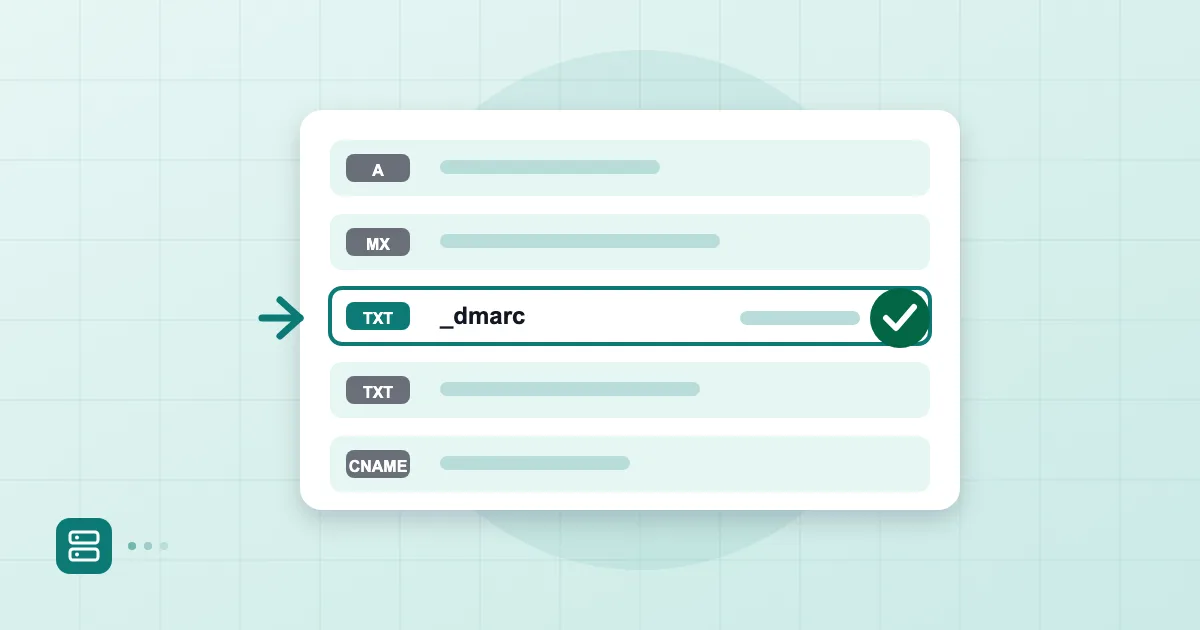
3. Start DMARC in monitoring mode. Even a minimal _dmarc record lets you see who is sending as your domain.
_dmarc.example.com. TXT "v=DMARC1; p=none; rua=mailto:dmarc@example.com"
Begin with p=none, read the reports for a few weeks, then move to quarantine and reject. Never tightening the policy is the most common half-finished DMARC setup we encounter.
Account security: passwords and 2FA
4. Require two-factor authentication on every mailbox. A leaked or guessed password is an open door without it. For the options and their trade-offs, see our guide to 2FA and passkeys for email. In the Postanex admin panel you can set a 2FA policy for mailboxes.
5. Use a password manager and end reuse. When staff use the same password for email and for random websites, someone else's breach becomes your incident. A password manager is not magic, but it kills the "Company2026!" pattern.
6. Remove old protocols and forgotten app access. Clean out unused IMAP connections, retired devices and third-party integrations nobody remembers approving. A phone that has not been opened for a year may still be signed in.
Admin and shared-account hygiene
7. Keep the number of admins small. Every admin account is a full-power target. Using the managing director's daily mailbox as the admin account is a habit we see often and do not recommend; create a separate account for administration.
8. Replace shared passwords with aliases and groups. One password for info@ or accounting@ shared by five people makes it impossible to tell who did what. With aliases and groups everyone signs in as themselves. See managing aliases and group addresses for details. Suspending a departing employee's account belongs here too; Postanex lets you suspend and reactivate with one click.
Employee awareness
9. Teach people to spot phishing. However good your technical controls are, a convincing message will still land. A ten-minute session with real examples helps. Share ten signs of a phishing email as a starting point.
10. Add a second-channel rule for payments. If a supplier writes "our bank details changed", call a number you already had on file, not the one in the email. This matters more now that AI makes fraudulent messages more fluent; our piece on AI-assisted phishing and BEC goes deeper.
Backups and an incident plan
11. Know your backup and your restore path. Postanex backs up mail daily, but whichever provider you use, "there is a backup" is not enough. Find out how you get a message or a mailbox back, and how long it takes.
12. Write a one-page incident plan. If an account is compromised, who calls whom, who resets the password and what do you tell customers? That page also helps when an insurer asks questions, which we cover in what cyber insurers ask about email security.
The trap we see most while people work through a list like this is trying to finish everything in one week and giving up on day two. Pick one area per week instead: authentication first, then account security, then people. When an item is done, note the date. You see your progress, and when a customer or insurer asks "what have you done?", you have an answer.
For small teams the habit that pays off most is making security a monthly half-hour meeting rather than a project. The agenda stays fixed: any new accounts, any leavers, any unfamiliar sender in the DMARC reports?
The twelve points at a glance
| Area | Items | Rough effort |
|---|---|---|
| Authentication | SPF, DKIM, DMARC (1-3) | One afternoon |
| Account security | 2FA, password manager, old access (4-6) | One day |
| Administration | Fewer admins, aliases and groups (7-8) | One hour |
| People | Training, second-channel rule (9-10) | One meeting |
| Continuity | Backup, incident plan (11-12) | One hour |
Measure the effort in your own environment; the table is only meant to give a sense of scale.
If you can only do one thing this week, do number four. Two-factor authentication is the best return for the least friction on this list.
Frequently asked questions
What is the single most important email security step for a small business?
Two-factor authentication on every mailbox. A stolen or guessed password is a common way in, and 2FA means the password alone is no longer enough. SPF, DKIM and DMARC come right after.
Do we need a dedicated security specialist?
Not for this list. Most items are done in your DNS panel and your mail admin panel. If you get stuck, ask your provider; Postanex support helps when setup gets tricky.
Can I start DMARC straight at p=reject?
We do not recommend it. If you do not yet know every legitimate service sending as your domain, your own invoices or newsletters may be rejected. Begin with p=none and watch the reports.
How often should we review the list?
Once a year and after any big change: a new hire, a new tool, a provider switch. When you add a new service to SPF, check that the record stays under the 10-lookup limit.
- email security
- small business
- SPF
- DKIM
- DMARC
- 2FA