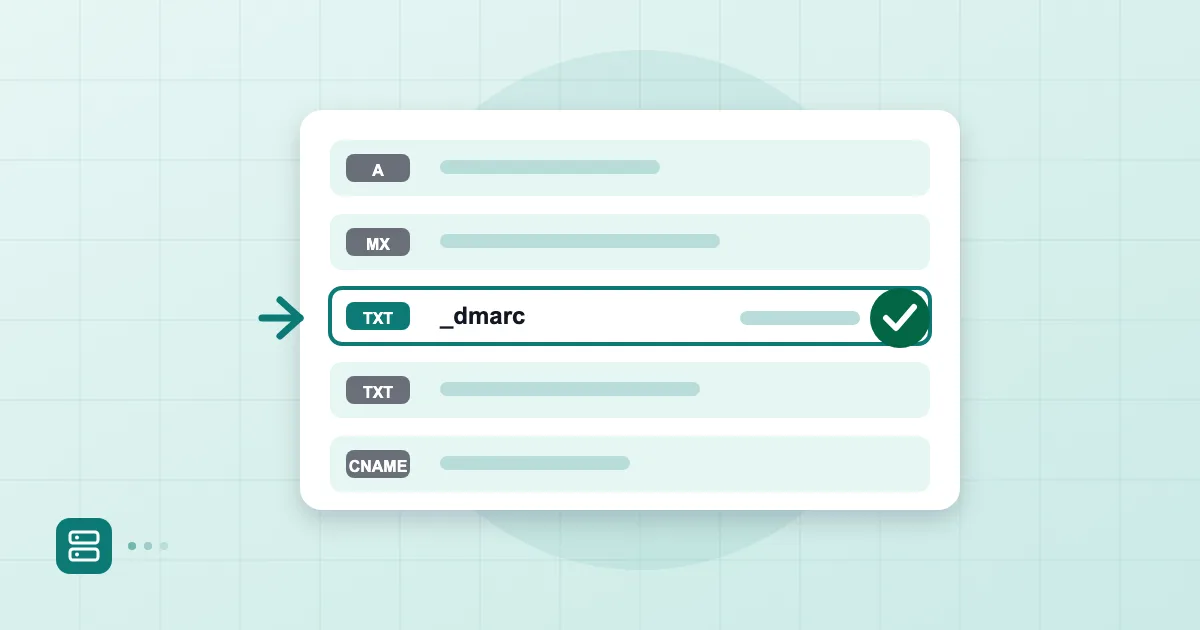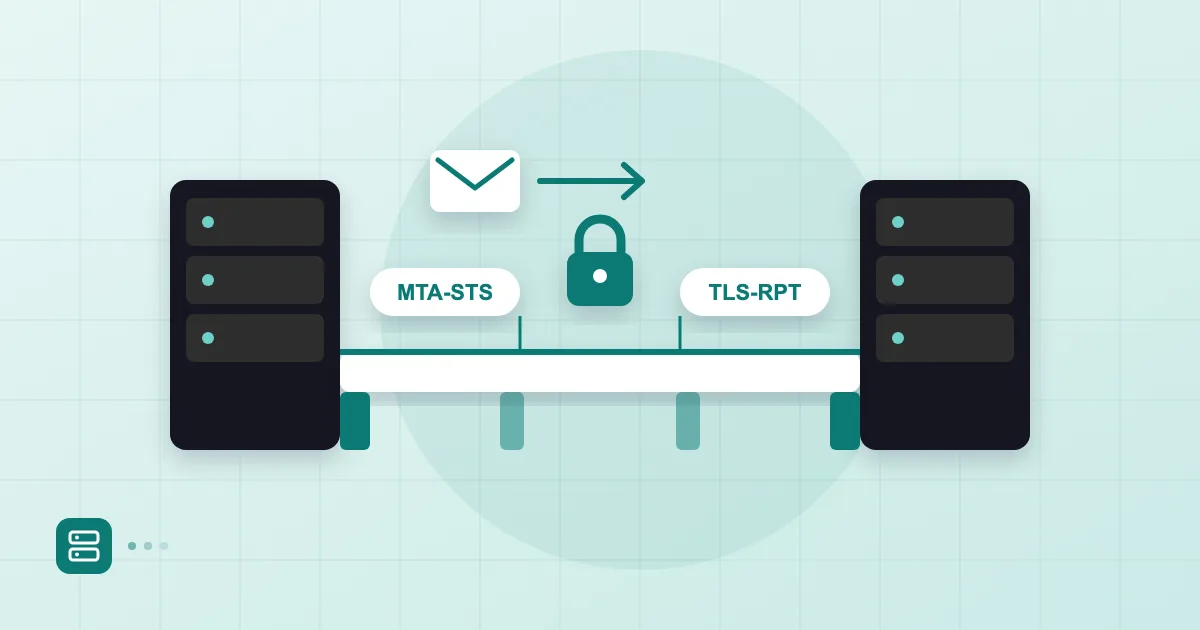
Most server-to-server email is encrypted these days, but "most" is not "always", and MTA-STS exists to close that gap. The setup is two DNS records and one small text file. The hard part is not technical; it is patience, because a mistake in enforce mode can hold up your inbound mail.
Short answer: MTA-STS is a policy, published over HTTPS and announced in a DNS TXT record, that tells sending servers to deliver to your domain only over TLS with a valid certificate. TLS-RPT sends you daily reports about connections that failed. Deploy both in testing mode first, read the reports for a few weeks, then switch to enforce.
The STARTTLS downgrade problem
STARTTLS alone is not enough because the encryption is opportunistic. The sending server connects, sees whether the receiver offers STARTTLS, and encrypts only if it does. Anyone in the network path who strips that offer from the conversation pushes both sides into plaintext, and nothing complains.
Certificates are the second weak spot. In classic SMTP most servers do not validate the certificate at all; an expired one, or one issued for a different name, is accepted. So there is encryption, but you do not know who you are encrypted with. Most "we have TLS enabled" claims we hear in the field ignore one of these two points.
For the wider picture of what TLS, S/MIME and PGP each do, see our piece on email encryption.
How MTA-STS works
MTA-STS publishes the rule over HTTPS rather than DNS, and the sender caches it. Three steps: the sending server looks up the _mta-sts TXT record; if it exists, it fetches the policy from https://mta-sts.example.com.tr/.well-known/mta-sts.txt; then it delivers according to that policy. If it cannot establish TLS with a valid certificate to one of the MX hosts listed, it does not send. The message is queued and retried.
The HTTPS part matters because it gives the policy an authenticated channel. The standard is RFC 8461, which is the reference if you want the detail.
Policy file and DNS record
You publish two things: a DNS record and a policy file. DNS first:
_mta-sts.example.com.tr.  IN TXT "v=STSv1; id=20261121T090000"
mta-sts.example.com.tr.   IN A   203.0.113.10
The id is the version of your policy. Change it every time the file changes, or senders keep using the cached copy. We use a timestamp because it is easy to remember.
The mta-sts host needs its own web server and a valid certificate. The policy file sits at /.well-known/mta-sts.txt as plain text:
version: STSv1
mode: testing
mx: mx1.example.com.tr
mx: mx2.example.com.tr
max_age: 86400
Each mx line names a server that accepts mail for your domain and must match your real MX records. Wildcards such as *.example.com.tr are allowed, but we prefer listing hosts one by one. The mistake we see most often is right here: someone changes the MX records and forgets the policy file. A week later inbound mail starts to misbehave. For the basics of how those records work, read what an MX record is.
A static file host or a tiny web server is enough. What counts is that the certificate covers mta-sts.example.com.tr and does not expire unnoticed.
TLS-RPT reports
TLS-RPT is the reporting record, and it is useful even before you deploy MTA-STS. One TXT record switches it on:
_smtp._tls.example.com.tr. IN TXT "v=TLSRPTv1; rua=mailto:tlsrpt@example.com.tr"
Large senders such as Google and Microsoft send a daily JSON report to that address, usually compressed. A report shows how many sessions succeeded, how many failed against which MX host, and why: expired certificate, name mismatch, STARTTLS not offered. The format lives in RFC 8460.
Reading raw reports is tedious. A small script or a report-visualising tool helps. For the first weeks, though, open a few files by hand so you learn the structure.
From testing to enforce
Move in stages: mode: testing first, enforce later. In testing mode senders still deliver when something is wrong, but they log the failure to TLS-RPT. You see the problems and lose nothing.
| Mode | Behaviour | When |
|---|---|---|
| none | Policy disabled | When you want to retire it |
| testing | Failures reported, mail still delivered | First two to four weeks |
| enforce | No delivery without valid TLS | Once reports are clean |
Stay in testing for at least two or three weeks. If the reports show no certificate or name mismatches in that time, you can switch. Keep max_age short at first and raise it to weeks once you enforce. A long max_age also slows your rollback if you make a mistake, so do not hurry.
When you flip to enforce, change mode and bump the id too. Otherwise the cached testing policy stays in force.
Troubleshooting
When something breaks, load the file in a browser first, then check the certificate and the MX match. Three commands cover most cases:
dig +short TXT _mta-sts.example.com.tr
curl -i https://mta-sts.example.com.tr/.well-known/mta-sts.txt
openssl s_client -starttls smtp -connect mx1.example.com.tr:25 -servername mx1.example.com.tr
The first shows the record, the second the file, the third the MX server's certificate. If the certificate name does not match the MX hostname, enforce mode will hold mail back. A redirect on the policy URL can also invalidate it; the RFC says senders must not follow redirects there.
One more thing. This protects mail coming to you. Honouring the other side's policy when you send is your outbound server's job. When a sender cannot meet an enforcing recipient's policy it eventually gets a failure notice, and our table in email bounce codes explained helps you read it. Once transport security is in place, the next step up in the authentication chain is showing your logo in the inbox, which we cover in what BIMI and VMC are.
Frequently asked questions
Isn't TLS enough without MTA-STS?
Usually the connection is encrypted, but nothing guarantees it. An attacker can strip the STARTTLS offer and the sender carries on in plaintext. MTA-STS makes valid TLS mandatory and closes that gap.
Do I need MTA-STS to use TLS-RPT?
No. TLS-RPT works alone and is useful before MTA-STS: it reports certificate problems and failed connections. Many teams switch it on first and collect reports for a few weeks.
Will mail be lost in enforce mode?
No. If valid TLS cannot be established the sender queues the message and retries for a while. A long certificate problem will still delay delivery, so monitor certificate renewals.
I changed the policy file but nothing happened. Why?
You most likely did not update the id in DNS. Senders cache the policy and do not re-fetch it until the id changes.
- MTA-STS
- TLS-RPT
- STARTTLS
- DNS
- email encryption