People who ask why their emails go to spam usually write to us the day after a quote went unanswered or a customer said "we never got it". The honest answer is annoying, because there is rarely one cause. The receiving server scores your message on identity, reputation and content at the same time, and if any of the three is weak the message ends up in junk.
The good news is that diagnosis has an order. We start in the same place every time, because the first steps are both where problems show up most often and the cheapest to fix.
Short answer: Emails usually land in spam for three reasons: missing or misaligned SPF, DKIM and DMARC authentication, weak domain or IP reputation, and content or sending behaviour that looks like spam. Check authentication first, reputation second and content last.
The three axes: identity, reputation, content
A spam filter asks three questions about each message. Is the sender really this domain? What is this sender's history? And what does the message itself look like?
SPF, DKIM and DMARC answer the identity question. The receiver's long-term data answers the reputation question: has this domain drawn complaints before, has it sent bulk mail nobody opened? Content is the last thing looked at. Many people work backwards. They agonise over exclamation marks in the subject line and never open their authentication records. We would not recommend that. A missing DKIM record can sink the most carefully written message.
Missing or misaligned SPF, DKIM and DMARC
Look at your own domain's records first. Three commands are enough:
dig TXT example.com +short
dig TXT sel1._domainkey.example.com +short
dig TXT _dmarc.example.com +short
The first output should contain exactly one record beginning with v=spf1. If there are two SPF records, receivers treat both as invalid. The mistake we see most during setup is adding a new service and publishing a second record beside the old one instead of merging them. Syntax and the 10-lookup limit are covered in how to write an SPF record.
For DKIM, a published record is not enough; outgoing mail must actually be signed with that key. Selectors, key length and common errors are in what is DKIM.
Alignment is the part people overlook. DMARC requires the domain in the visible From address to match the domain that SPF or DKIM validated. If a marketing tool signs your mail with its own domain, SPF and DKIM both report "pass" while DMARC fails. To publish the record, see DMARC setup; the formal definition lives in RFC 7489.
| Check | Healthy picture | Typical fault |
|---|---|---|
| SPF | One v=spf1 record, under 10 lookups | Two records, too many includes |
| DKIM | Valid signature on the message | Wrong selector, truncated key |
| DMARC | _dmarc record exists | No record, or unaligned sender |
Domain and IP reputation problems
With identity in order, reputation is next. Domain reputation follows the history of mail sent under your domain; IP reputation follows the address of the server physically sending it. If you are on shared hosting or a cheap sending service, other tenants on the same IP affect you too.
Blasting hundreds of messages from a freshly registered domain on day one also damages reputation from the start, since receivers are cautious about unknown senders. Ramp volume gradually; we explain how in domain and IP reputation. If you landed on a blocklist, most lists publish a removal procedure, but getting delisted does not fix the cause, so find out why you were listed first.
Content and sending-behaviour signals
Content does matter, it just comes third. The patterns that look like spam are well known: all-caps subject lines, image-heavy bodies with almost no text, shortened links, links whose domain does not match the sender, and risky attachment types.
Behaviour often outweighs wording. Bulk mail that recipients flag as spam, never reply to and never open makes receivers question your reputation. Sending to departed employees or to addresses that no longer exist raises your bounce count, which is another bad sign. Spend time on list hygiene early.
If you send in volume, Google's email sender guidelines expect one-click unsubscribe and a low spam-complaint rate.
Which receiver is affected: Gmail, Outlook, corporate filters
Find out whether the problem happens everywhere or at one receiver. If it is only Gmail, authentication and complaint data come to the front. If only Outlook.com or Microsoft 365 recipients are affected, it is typically IP reputation or the recipient's own rules and quarantine policy. A corporate customer's security gateway may quarantine every new sender because it simply does not know you; in that case the only fix is asking their IT team to allow-list you.
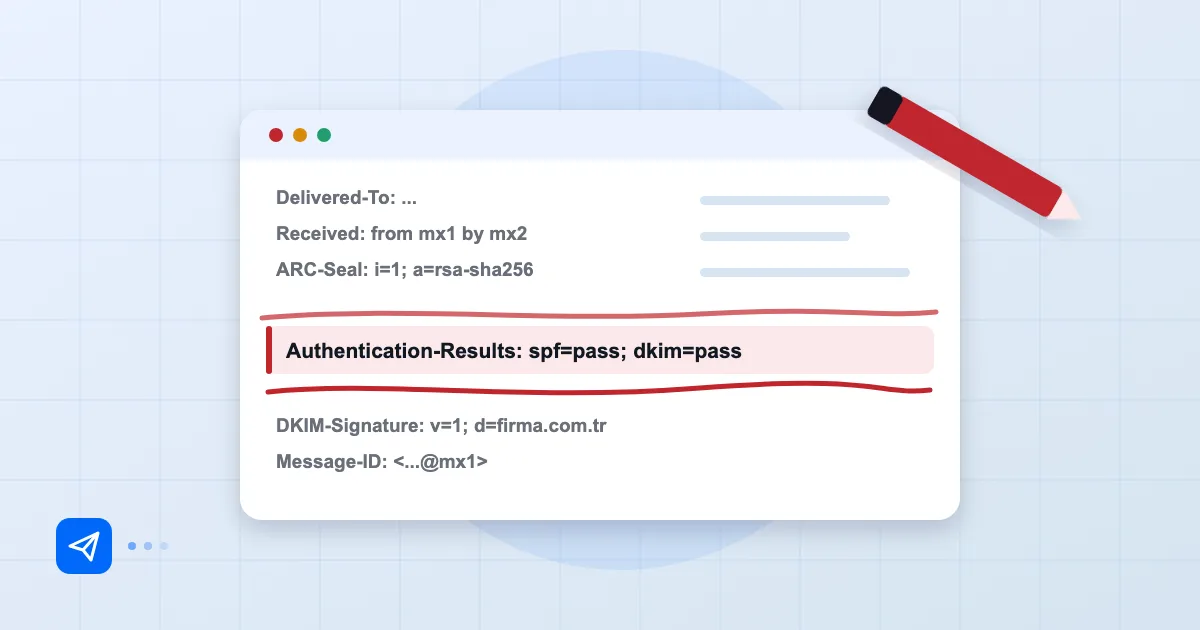
The message header shows most clearly what happened at each receiver. We walk through reading the Authentication-Results line in email header analysis.
Diagnosis order and a permanent-fix checklist
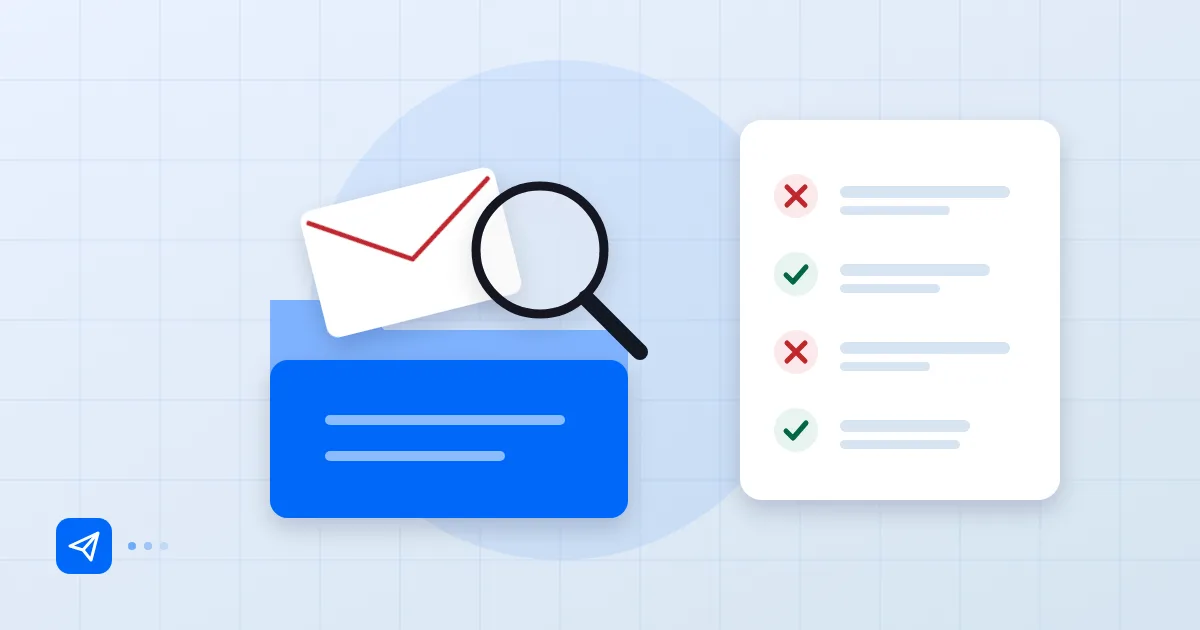
This is the order we use, because it gets results fastest:
- Open the header of a sent message and read the SPF, DKIM and DMARC results.
- Confirm in DNS that each record exists once and is correct.
- List every service that sends for you (marketing tool, invoicing software, CRM) and check each one is in SPF or signs with its own aligned DKIM.
- Check whether your domain or IP is on any blocklist.
- Recall whether you recently started bulk sending, added a new domain or a new tool.
- Only then look at content and subject lines.
For a permanent fix, set up identity records once and correctly, read DMARC reports regularly, and add each new sending service to your records before it sends its first message.
If you use Postanex, outgoing mail is DKIM-signed and the panel walks you through SPF, DKIM and DMARC records step by step, which lowers the odds of trouble on the identity axis.
Frequently asked questions
My mail only goes to spam at Gmail. Why?
Gmail is sensitive to authentication results and recipient complaint data. Check the original headers of a message in Gmail to see whether SPF, DKIM and DMARC pass. If all three pass, move on to reputation and content.
I have an SPF record and still land in spam. Why?
SPF alone is not enough; DKIM and DMARC alignment matter too. Two separate SPF records, or going over the 10-lookup limit, will also invalidate the record.
How do I rescue a message that went to spam?
You can ask the recipient to mark it "not spam" and add you to their contacts. That is a short-term patch. The real repair is on the authentication and reputation side.
Why does mail from my new domain always go to spam?
A new domain has no reputation history. Send small volumes to people who know you first, and increase volume gradually as you receive replies.
- spam
- deliverability
- SPF
- DKIM
- DMARC