A DMARC setup sounds more intimidating than it is. What you actually do is add one line of text to your domain's DNS. The hard part is not writing that line; it is knowing what happens after you publish it. What will receivers do with spoofed or unauthenticated mail, and where do you see the reports?
Below we go through the record, what each tag does and how to publish it at your DNS provider, with examples you can copy. Every example uses example.com; swap in your own domain.
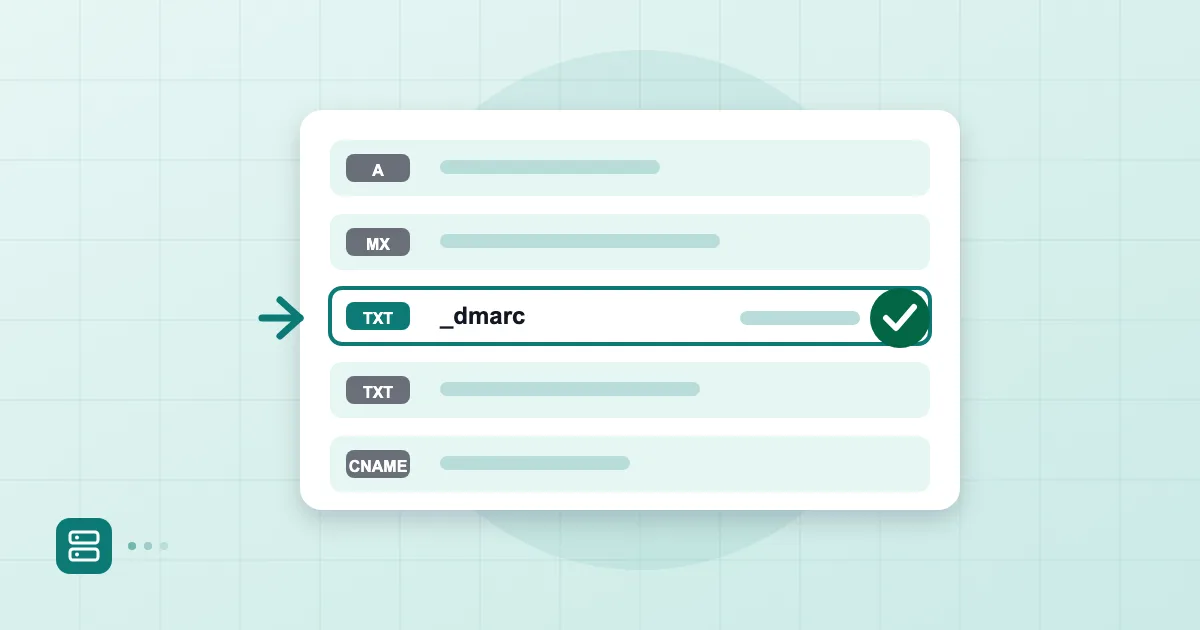
Short answer: A DMARC record is a single TXT record published at
_dmarcunder your domain. A safe starting record isv=DMARC1; p=none; rua=mailto:dmarc@example.com, which collects reports and blocks nothing. Once you have read the reports and confirmed your legitimate senders, you raise the policy to quarantine and then reject.
What DMARC is and what it protects
DMARC is a policy that answers a question for the receiving server: "The From line shows my domain, but SPF and DKIM do not vouch for it. What should you do with this message?" There are three answers: nothing, send it to spam, or reject it.
What does it protect? It stops others from presenting your exact domain as the sender, which is direct impersonation. A good share of fake invoices and fake executive requests are built on exactly that. But DMARC does not solve everything: it does not stop an attacker using a lookalike domain, for example yourcompany.co in place of yourcompany.com. The formal definition is in RFC 7489.
Prerequisite: working SPF and DKIM
DMARC rests on two mechanisms: at least one of SPF or DKIM must pass, and the domain that passed must align with the From domain. That is why DMARC is the third record you set up.
Before you start, check that SPF and DKIM work for your outgoing mail:
dig TXT example.com +short
dig TXT sel1._domainkey.example.com +short
The first should show exactly one record starting with v=spf1, the second one starting with v=DKIM1. If either is missing, hold off on DMARC. For writing them, see how to write an SPF record and what is DKIM. The mistake we see most often is publishing DMARC before SPF is finished and then being surprised that the first reports show the company's own mail in red.
Your first record: p=none and an rua address
Here is the safe starter:
_dmarc.example.com. TXT "v=DMARC1; p=none; rua=mailto:dmarc@example.com"
It has three parts. v=DMARC1 is the version and must come first. p=none is the policy; it blocks nothing and only monitors. rua= is where aggregate reports are sent.
We suggest creating a separate mailbox or group for the report address. Pointing it at your daily inbox will bury you in XML attachments. If the report address is on a different domain, such as an analysis service, that domain's DNS has to carry an authorisation record allowing it to receive reports for yours; the service will tell you the exact record, and without it the reports will not arrive.
Starting with p=none can give a false sense of safety, since it stops nothing. True, and that is the point: first you learn who is sending mail as you. We cover reading the reports in how to read DMARC reports.
Tag reference: p, sp, pct, adkim, aspf
These are the tags you will meet most often:
| Tag | What it does | Example |
|---|---|---|
| p | Policy for the domain | p=none, p=quarantine, p=reject |
| sp | Policy for subdomains; falls back to p if absent | sp=reject |
| pct | Percentage of mail the policy applies to, default 100 | pct=25 |
| rua | Aggregate report address | rua=mailto:dmarc@example.com |
| adkim | DKIM alignment: r relaxed, s strict; default r | adkim=s |
| aspf | SPF alignment: r relaxed, s strict; default r | aspf=r |
Under relaxed alignment, subdomains count: mail.example.com aligns with example.com. Under strict alignment the domains must match exactly. For most businesses we recommend leaving the relaxed default; strict alignment only pays off when you fully control every subdomain that sends.
The pct tag helps during rollout. With p=quarantine; pct=10, only one in ten failing messages is subject to the policy. We walk through these stages in DMARC p=reject rollout.
Publishing and verifying at your DNS provider
In your DNS panel, create a new TXT record. In most panels the name (host) field takes only _dmarc, and the panel appends your domain. That is how it works at Cloudflare, GoDaddy, Namecheap and the Turkish registrars alike. In the value field, enter v=DMARC1; p=none; rua=mailto:dmarc@example.com without quotes; some panels add the quotes for you. If you add them twice, the record breaks, so watch for that.
A domain can have only one DMARC record. If a _dmarc record already exists, edit it rather than adding another.
After saving, verify:
dig TXT _dmarc.example.com +short
You should see your line in the output. If it does not appear yet, wait a few minutes; propagation can sometimes take longer. The first aggregate reports usually start arriving within a day, though it varies by receiver.
A gradual tightening plan
Do not jump from p=none straight to reject. This is the sequence we follow:
- Collect reports at p=none for a few weeks and build a list of legitimate senders (marketing tool, invoicing software, CRM).
- Align each legitimate sender's SPF or DKIM with your domain.
- Move to p=quarantine; pct=10 and raise the percentage step by step.
- If nothing breaks, go to p=quarantine; pct=100 and then p=reject.
Rush it, and a legitimate invoice or newsletter gets rejected, and you may not hear about it for weeks. A reject policy is also a precondition for extras such as logo display in the inbox, which we discuss in what is BIMI.
Google expects DMARC from bulk senders in its guidelines; for the details, see Google Workspace's Set up DMARC page.
In Postanex, the panel guides you step by step through SPF, DKIM and DMARC records with live DNS checks, and outgoing mail is DKIM-signed from the start.
Frequently asked questions
Is a DMARC record mandatory?
Not technically for every domain, but large receivers expect it from bulk senders and it is the most effective single layer against exact-domain spoofing. Even a small business benefits from starting at p=none.
Is p=none enough?
For a start, yes, because it gives you reports. But p=none does not block spoofed mail; for protection you eventually need quarantine or reject.
Can I use my own mailbox as the rua address?
You can, but the XML report files will fill it quickly. A separate mailbox, a group, or an analysis tool is more practical.
Does a DMARC record affect my website?
No. DMARC is a TXT record that concerns email authentication only; it does not touch how your website works.
- DMARC
- DNS
- TXT record
- SPF
- DKIM